Sentinel Plus Press Brake Guarding System Operation Manual LS-CS-M-073
Page 43
Original Language Version: 1.04 Released: 19/07/2017
6.6.1 Exiting Field Muted Mode
To exit Field Muted mode and return to Normal mode press the GUARD MODE button when
the tools are open. If the tools are not open, the Status window will display the message
Open tools to enable button function. The system will always return to Normal mode after
Field Muted mode, and will again appear is in Figure 6-9. When the foot pedal is pressed
for the first time after returning to Normal mode the tools will not close, and the message
Mode Change – RELEASE FOOT PEDAL is displayed to inform the operator that the Sentinel
Plus has changed mode.
6.7 Selecting Stop at Mute Mode
To select Stop at Mute mode the Sentinel Plus panel must be in the Mode Select screen.
From the Main screen press the MODE SELECT button, and the screen will change to the
Mode Select screen. When changing modes the tools must be open with the lasers above
the mute point and clear of any obstructions. If these conditions are not met, the Status
window will display the message Open tools to enable button function.
Note:
The MUTE STOP button functionality can be disabled in the Supervisor menu.
Figure 6-14 shows the state of the button for (left to right) Enabled, Disabled-ON
and Disabled-OFF.
Figure 6-14: Mute Stop Button Options (left to right) Enabled, Disabled-ON, Disabled
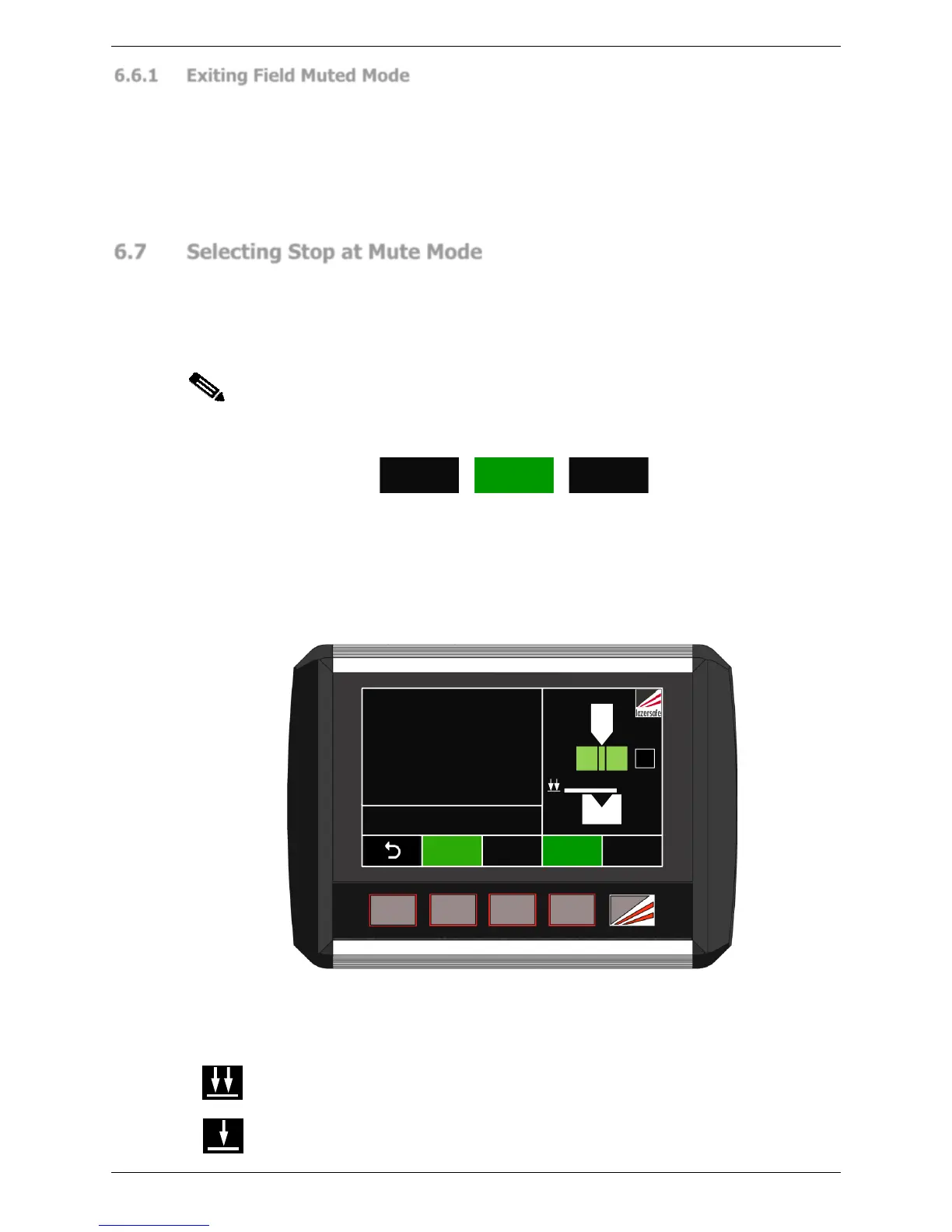
Stop at Mute is used in conjunction with other guarding modes. For example, Stop at Mute
can be selected in Normal, Tray, Tray 2, Field Muted or Light Curtain mode. To enable Stop
at Mute mode press the MUTE STOP button. The MUTE STOP label will turn green, and the
Sensor window now displays the Stop at Mute symbol, as shown in Figure 3-1. The
Sentinel Plus system behaves as described in Section 3.8.



 To Next Page