Sentinel Plus Press Brake Guarding System Operation Manual LS-CS-M-073
Page 40
Original Language Version: 1.04 Released: 19/07/2017
6.3.1 Setting the Mute Point in Restricted Mode
If the Sentinel Plus has been installed on a machine that does not support dual speed
operation it must operate in Restricted mode. In this mode any condition that would
normally force safe speed (such as an uncleared obstruction) now prevents the tools from
closing.
To ensure that the material is detected accurately the Sentinel Plus normally forces slow
speed when setting the mute point. This is not possible on this type of machine, and the
operator must manually reduce the closing speed of the press.
Note:
When setting the mute point in Restricted mode the operator must manually lower
the closing speed to less than 50mm/s. If the closing speed is higher than
50mm/s the press beam will be halted and the message Mute setting over speed
error - RELEASE FOOT PEDAL displayed.
After the mute point has been set the closing speed can be returned to normal.
6.4 Resetting the Mute Point
Any time the tools or the material thickness is changed, the mute point must be reset. When
the machine is at TDC press the MUTE RESET button. If the machine is not at TDC, the
message Open tools to enable button function will be displayed in the Status window.
Note:
Do not press the foot pedal while the MUTE RESET label is flashing. If the foot
pedal is pressed, the mute reset operation will be cancelled.
When pressed and released, the MUTE RESET button will flash three times while the mute
point is cleared. During this time the message Mute point resetting – PRESS FOOT PEDAL TO
CANCEL is displayed. After the reset is complete, the screen again appears as in Figure 6-5
prompting the operator to SET MUTE POINT – PRESS FOOT PEDAL.
6.5 Selecting Tray/Box Modes
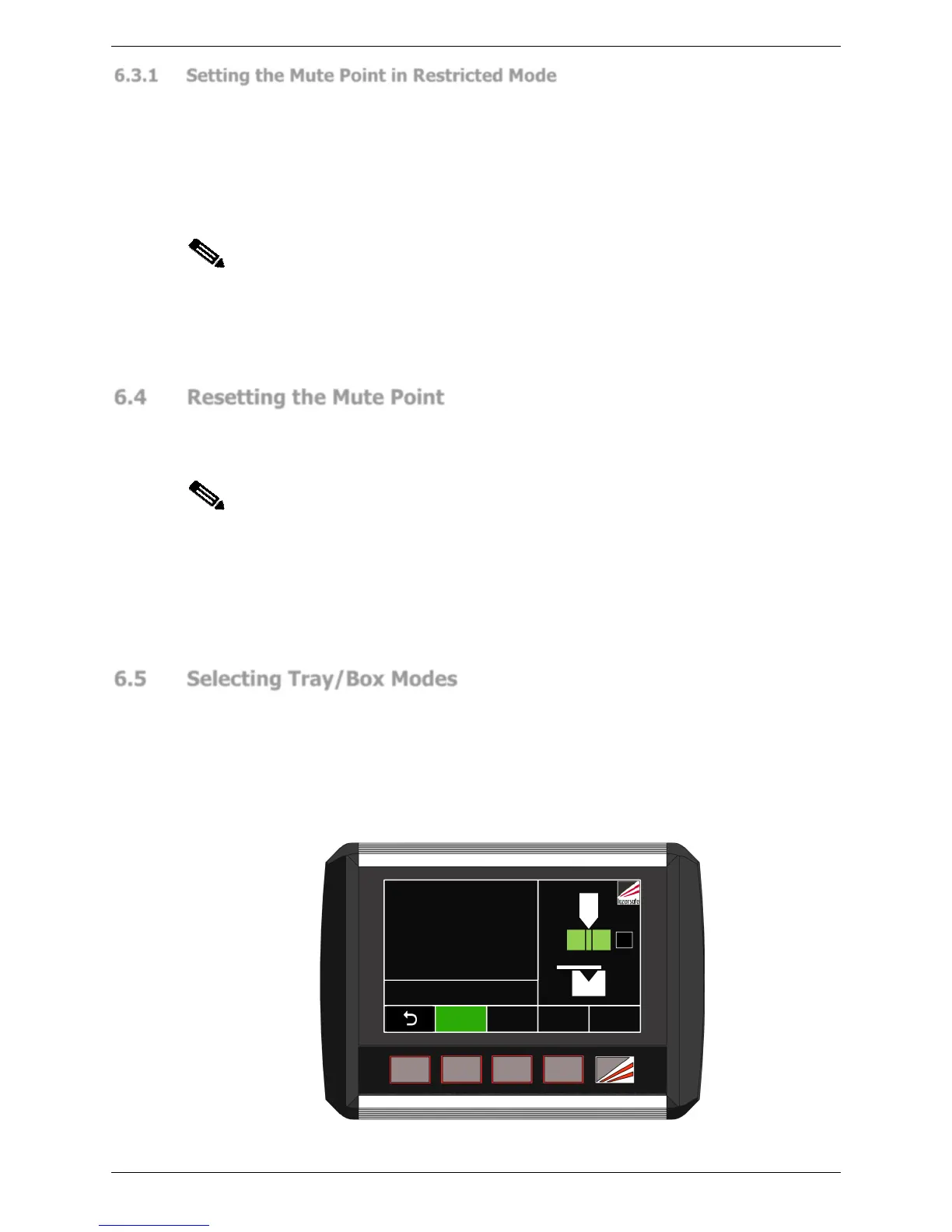
To change the optical protection mode the User Interface Panel must be in the Mode Select
screen. From the Main screen press the MODE SELECT button, and the screen will change
to the Mode Select screen.
When changing modes the tools must be open with the lasers above the mute point and
clear of any obstructions. Also, the system should be in Normal mode (the default start-up
mode). If these conditions are not met, the Status window will display the message Open
tools to enable button function.
FIELD
MUTED
GUARD
MODE
MUTE
STOP
BACK
GAUGE
ACTION
NORMAL MODE
Ready to bend
0000
STATUS
BL
Figure 6-9: Mode Select Screen



 To Next Page