Sentinel Plus Press Brake Guarding System Operation Manual LS-CS-M-073
Page 52
Original Language Version: 1.04 Released: 19/07/2017
8.1.2 Setting Option Parameters
Option parameters are navigated in the same way as menus, using the buttons described in
Figure 8-2 and Table 8-2. The arrow buttons step through the list of options; the desired
option is then selected by pressing the ENTER button. When the ENTER button is pressed
the value is stored in the panel’s non-volatile memory, and the User Interface Panel returns
to the parameter list. Changes can be abandoned at any time by pressing the button.
8.1.3 Setting Numeric Parameters
Some parameters (such as access codes) require numeric values to be entered by the
user. The numeric parameters are always displayed as four digits, ranging from 0000 to
9999. The Parameter screen also displays the name of the parameter, the units (typically
millimetres or milliseconds) and the allowable range of parameter value.
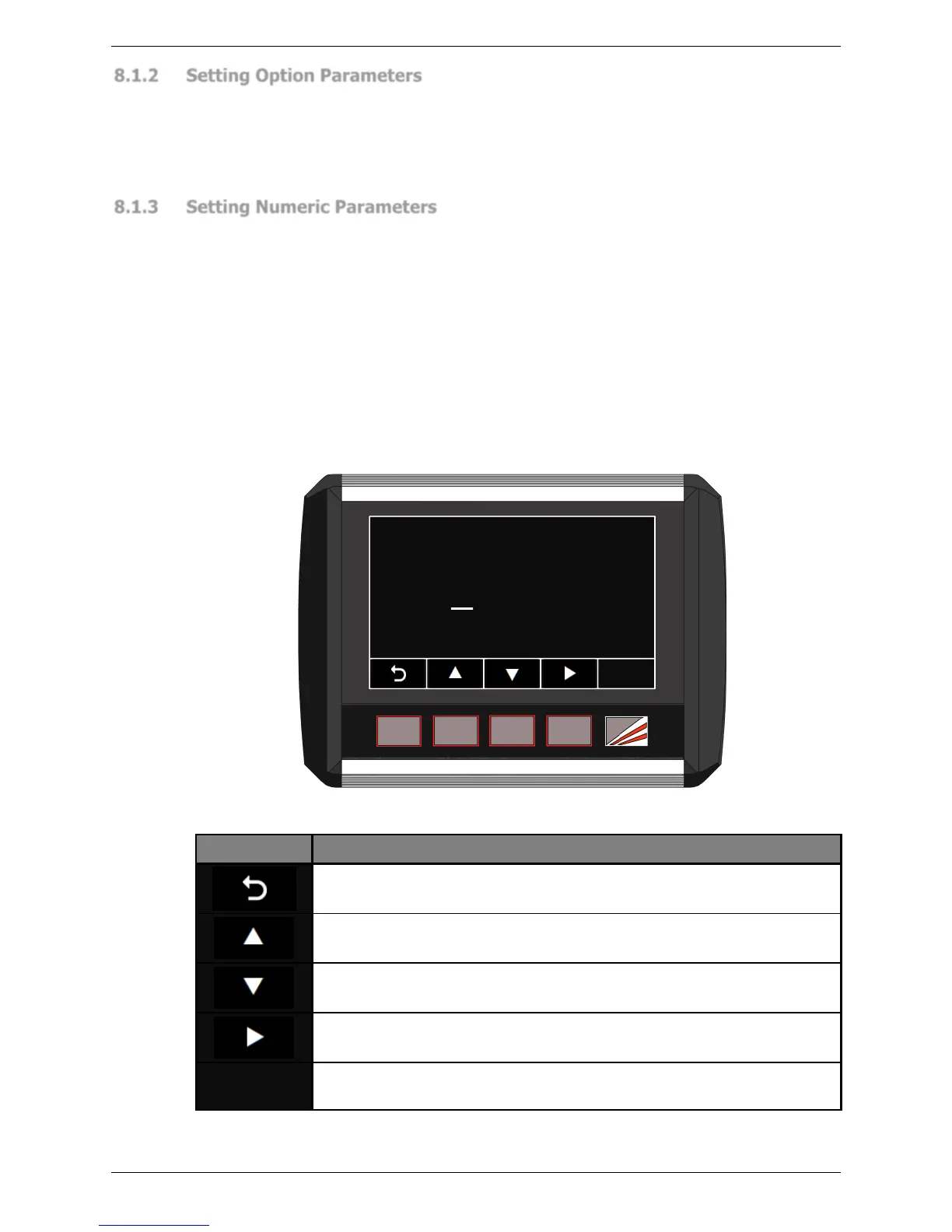
The digit to be changed is underlined by a cursor starting with the left-most digit (i.e. the
digit ‘1’ in Figure 8-3 below). The ▲▼ buttons are pressed to increment or decrement the
value of the underlined digit. Once the digit has been changed, the ► button is used to
select the next digit, which is then underlined by the cursor.
This is continued until the parameter is set to the desired value. When the ENTER button is
pressed the value is stored in the panel’s non-volatile memory, and the User Interface
Panel returns to the parameter list. Changes can be abandoned at any time by pressing
the button.



 To Next Page