Sentinel Plus Press Brake Guarding System Operation Manual LS-CS-M-073
Page 32
Original Language Version: 1.04 Released: 19/07/2017
The buttons are used to select the different guard modes (these modes are detailed in
Sections 3.3 to 3.12). The operation of the Mode Select screen and the Sensor window
symbols is explained in Section 6.
This leaves the Mode Select screen and returns to the Main screen.
See Figure 5-2 for an overview of the menu system.
This button cycles through the guard modes: Normal Tray Tray 2
Normal etc.
If this button is enabled, it toggles the Field Muted mode. The
functionality of this button can be configured in the Supervisor menu.
If this button is enabled, it toggles the Stop at Mute mode. The
functionality of this button can be configured in the Supervisor menu.
This button toggles the Back Gauge mode.
Table 5-2: Mode Select Screen Buttons
5.6 Menu Screen
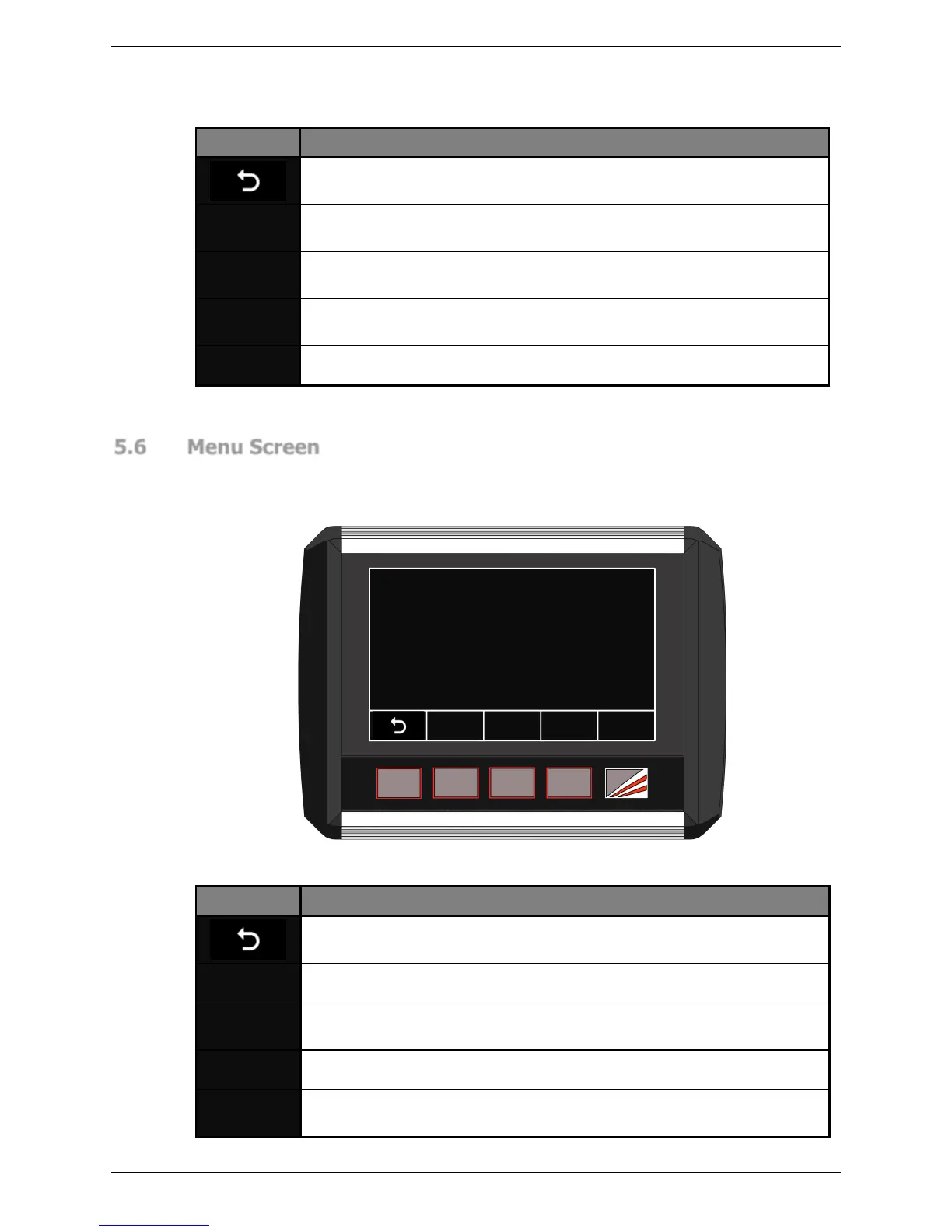
The Menu screen gives access to the menus that are used to configure the way that the
Sentinel Plus system operates. There are three levels of access to the menu system; User,
Supervisor and System. The User and Supervisor menus are detailed in Section 8.
a
SUPERVISOR
M ENU
USER
M ENU
SYSTEM
M ENU
USER
GUIDES
Make a selection
This leaves the Mode Select screen and returns to the Main screen.
See Figure 5-2 for an overview of the menu system.
This accesses the User menu. No access code is required.
This accesses the Supervisor menu. An access level of Supervisor or
System level is required.
This accesses the System menu. An access level of System is required.
This accesses instructional guides on the operation of the Sentinel Plus
system. No access code is required.
Table 5-3: Menu Screen Buttons



 To Next Page