Sentinel Plus Press Brake Guarding System Operation Manual LS-CS-M-073
Page 54
Original Language Version: 1.04 Released: 19/07/2017
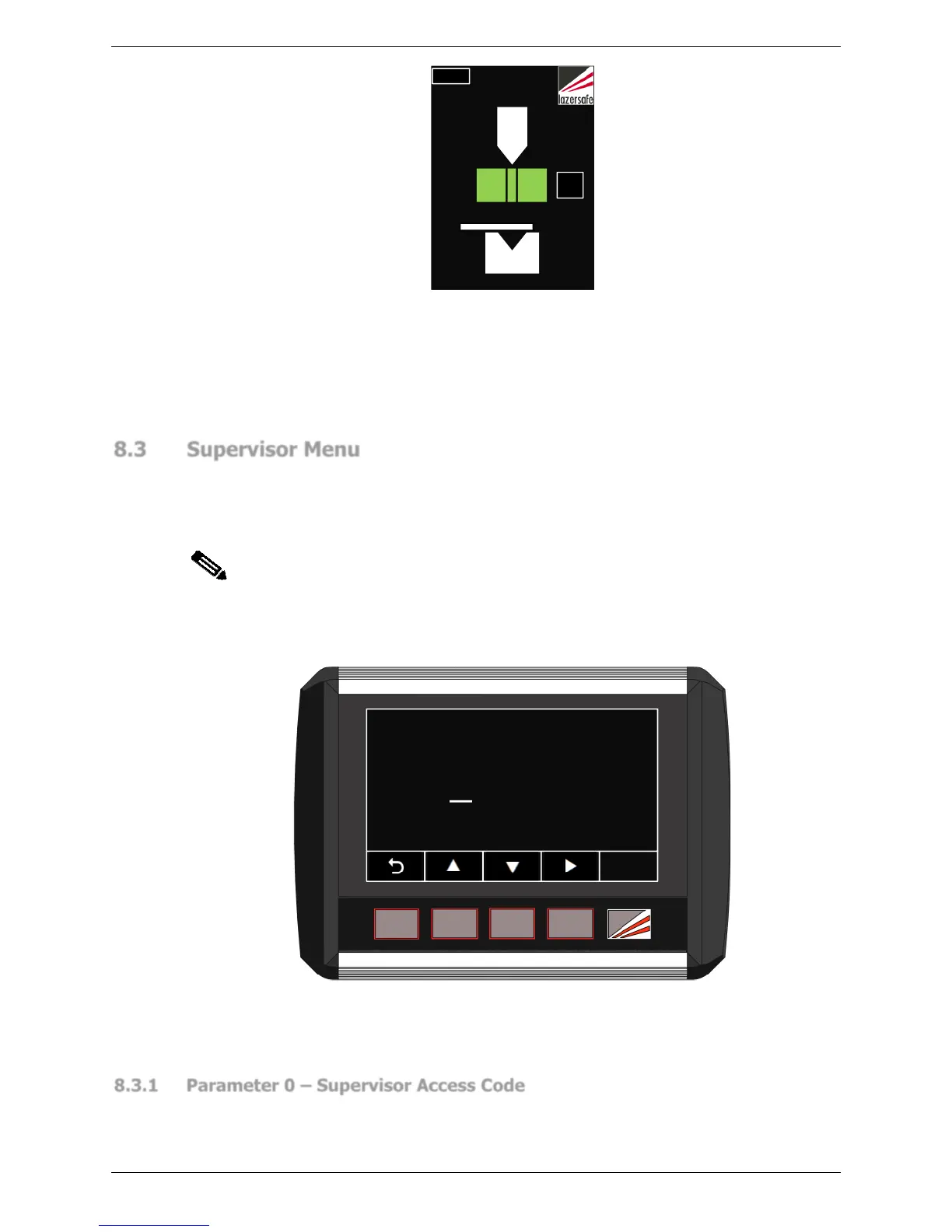
Figure 8-5: Thermal Compensation Mode Enabled
Use the ▲▼ buttons to navigate the options. Changes can be abandoned at any time by
pressing the button. When the desired option has been selected, press the ENTER
button, the value will be written into the panel’s non-volatile memory, and the system will
return to the parameter list.
8.3 Supervisor Menu
The Supervisor menu is password protected. When the SUPERVISOR MENU button is
pressed, the operator is prompted to enter the Supervisor level access code, as shown in
Figure 8-6. This is a numeric parameter as described in Section 8.1.3, and shown in
Figure 8-3.
Note:
The factory default supervisor access code is 1111. This should be changed as
soon as the system is installed. If the Supervisor password is lost, contact Lazer
Safe Customer Support or your local supplier for assistance.
a e
ENTER
0000
Enter access code
Figure 8-6: Supervisor Menu Access Screen
If an attempt to enter an access code fails, the message Access code incorrect. Try again is
displayed. There is no limit to the number of attempts that can be made.
8.3.1 Parameter 0 – Supervisor Access Code
This parameter sets the value of the Supervisor level access code and can take any value
from 0000 – 9999.



 To Next Page