Sentinel Plus Press Brake Guarding System Operation Manual LS-CS-M-073
Page 42
Original Language Version: 1.04 Released: 19/07/2017
Warning: NO OPTICAL PROTECTION IN FIELD MUTED MODE
In Field Muted mode, all optical guarding is deactivated. Although the Sentinel
Plus Press Brake Guarding System ensures that the machine does not exceed
safe speed in this mode, particular caution must still be exercised.
Entry to Field Muted mode can be password protected, and should only be
used by suitably trained personnel, and only in exceptional circumstances
(changing tools, maintenance, etc.).
Note:
The Field Muted button functionality can be disabled through a parameter in the
Supervisor menu. Figure 6-12 shows the state of the button for (left to right)
Enabled, Disabled-ON and Disabled-OFF.
Figure 6-12: Field Muted Button Options (left to right) Enabled, Disabled-ON,
Disabled
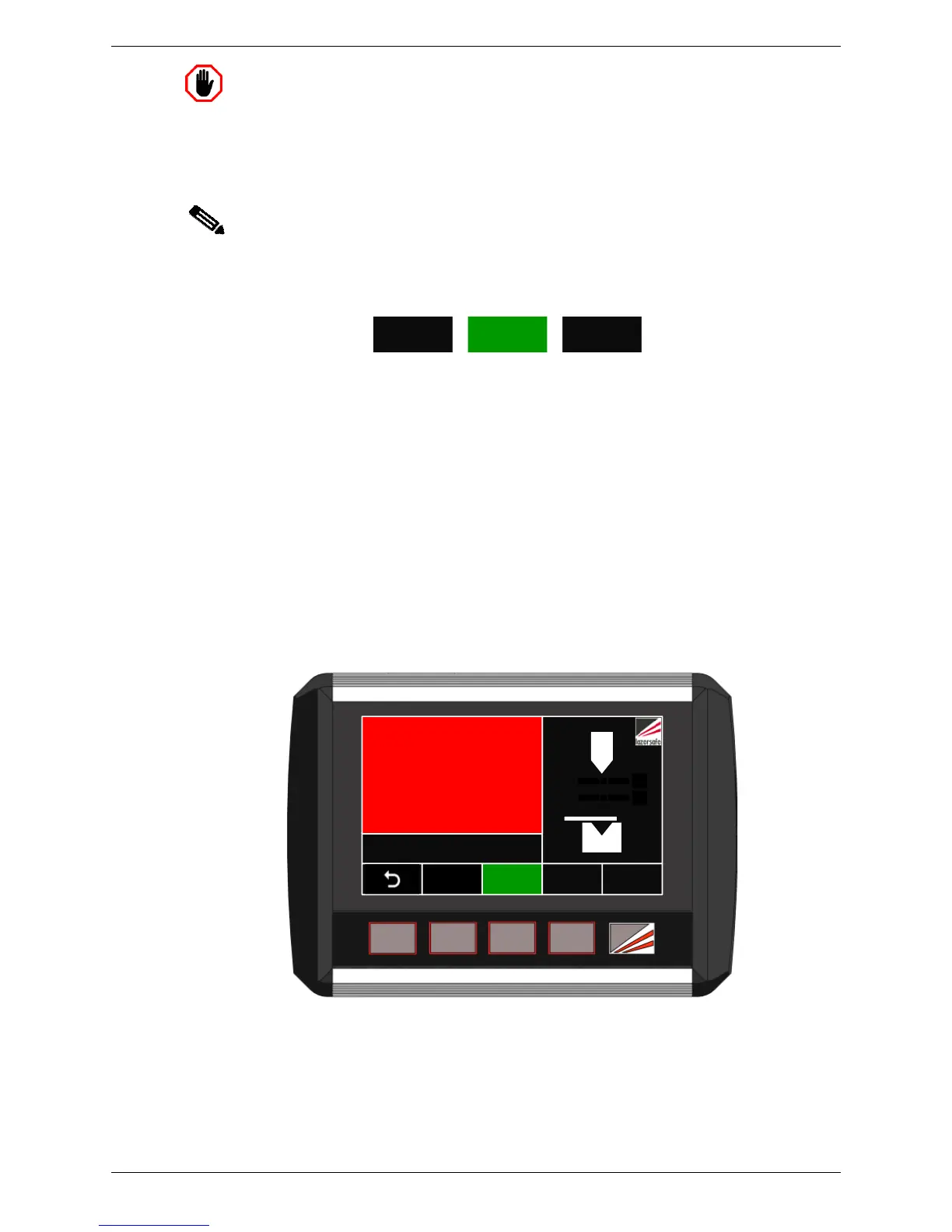
When the system enters Field Muted Mode the screen will appear as shown in Figure 6-13.
The FIELD MUTED button turns green, the Status screen turns red (to indicate that the
optical protection is muted), and the message FIELD MUTED MODE – Ready to bend is
displayed. The Sensor window now indicates that there is no optical protection (no sensor
state is displayed). If an external mute lamp has been installed, this will also be turned ON.
The system now behaves as described in Section 3.7. When the operator presses the
pedal for the first time the tools will not close and the message Mode Change – RELEASE
FOOT PEDAL is displayed in the Status window. This alerts the operator that the optical
protection mode has changed.
When the pedal is released and again pressed, the tools will close with the speed restricted
to safe speed, and the message LASERS INACTIVE is displayed in the red Status window, as
shown in Figure 6-13.



 To Next Page