Sentinel Plus Press Brake Guarding System Operation Manual LS-CS-M-073
Page 48
Original Language Version: 1.04 Released: 19/07/2017
a
ENTER
SUPERVISOR PARAMETER 5
Guard type selection
Laser protection
Figure 7-1: Supervisor Parameter 5
Use the ▲▼ buttons to navigate the options. Changes can be abandoned at any time by
pressing the button. When the Light Curtain option has been selected, press the ENTER
button; the value will be written into the panel’s non-volatile memory, and the system will
return to the parameter list. Press the button to return to the Main screen.
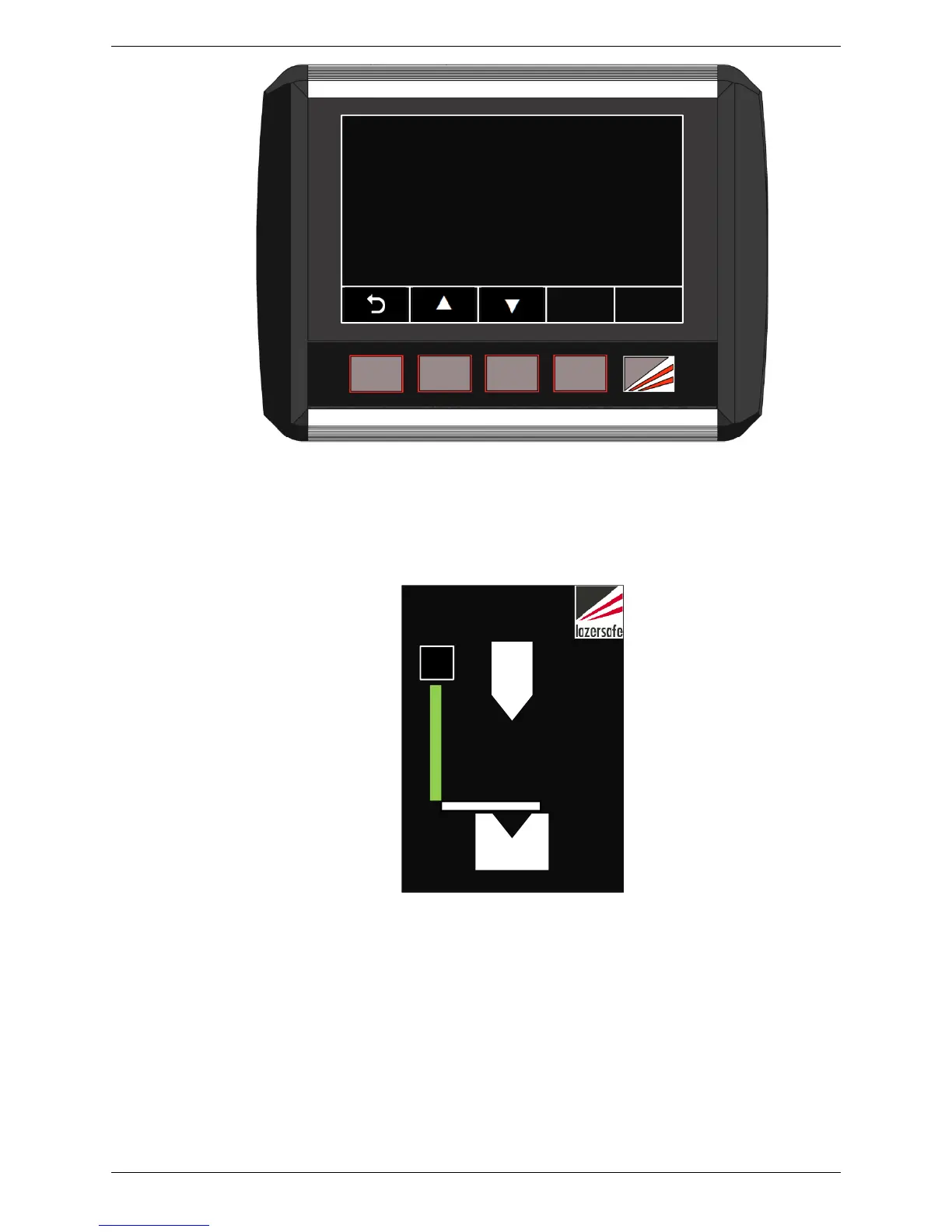
Figure 7-2: Sensor Window – Light Curtain Mode
The Sensor window in the Main screen now appears as per Figure 7-2. When the light
curtain is clear, the light curtain symbol is green; when obstructed the light curtain symbol
turns red.
When Light curtain guarding is selected, the current mute point is automatically reset by the
Sentinel Plus system as it may not be appropriate for the material being worked. The
operator must now set a new mute point suitable for the material being worked.



 To Next Page