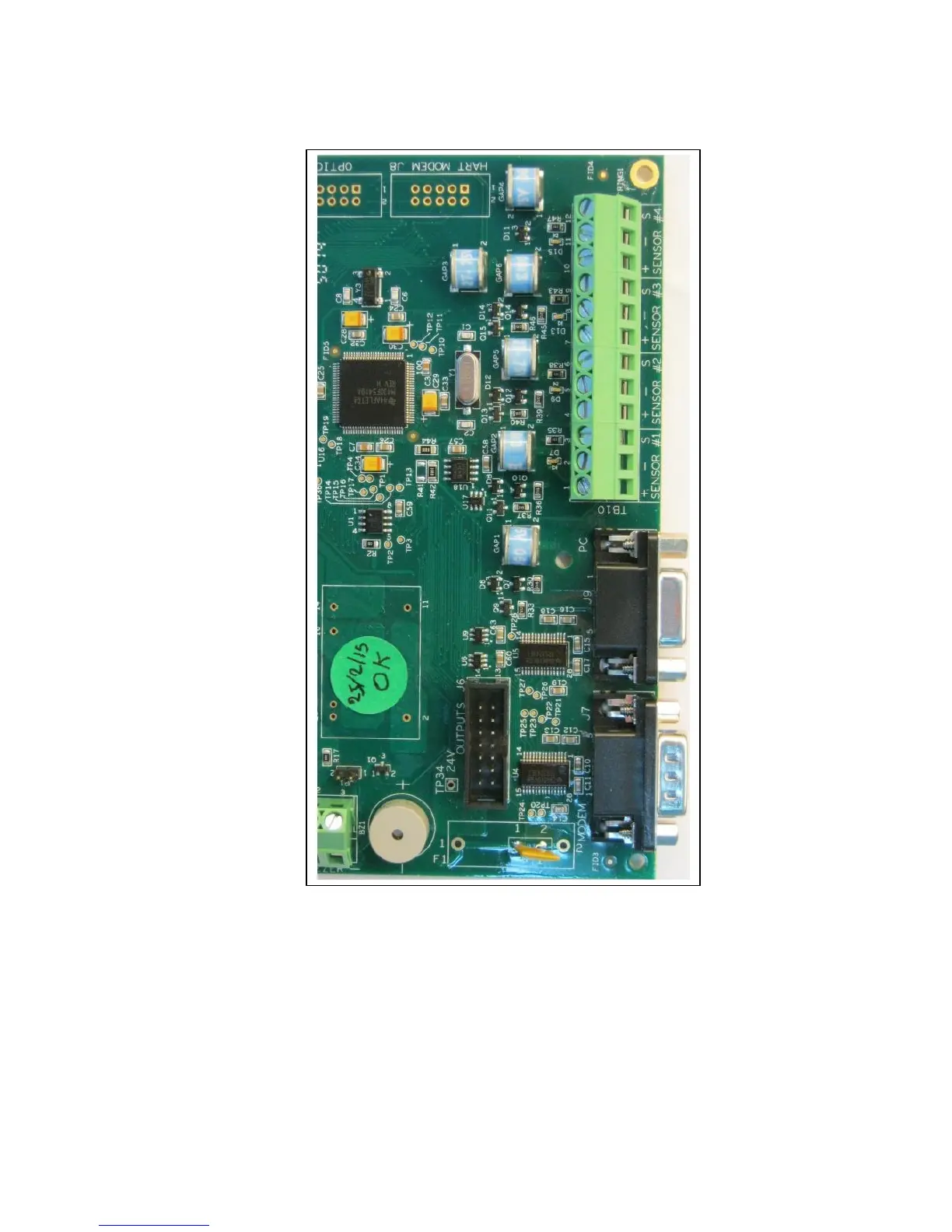
Each sensor input has an indicating red LED on the board to indicate when it is energized. The
LEDs are located on the left side of TB10.
For Hazardous-Area installation, connect the sensor through Zener Safety Barriers which are
installed on an isolated DIN rail inside the enclosure. If the safety barriers are supplied with the
controller, their Safe-Area side is already wired to TB10. Connect the sensors to the Hazardous-
Area side of the safety barriers:
Wire Color Safety Barrier Contact Contact Function
Red or Brown or Black#1 MTL 7715+ point 3 Sensor +12 VDC (DET+)
Black or Yellow or Black#2 MTL 7715+ point 4 Sensor GROUND (DET-)
Blue, or Black#3 MTL 7710+ point 3 Sensor SIGNAL (Iout)



 To Next Page