INQ,SSN - Returns, for ALL sensors:
• season offset value
• current season (Winter or Summer)
INQ,STATUS,1 - Returns, for sensor 1:
▪ Sensor Status (Water / Air, etc.)
▪ Last measured current signal in uA.
6.4 Testing the GSM MODEM
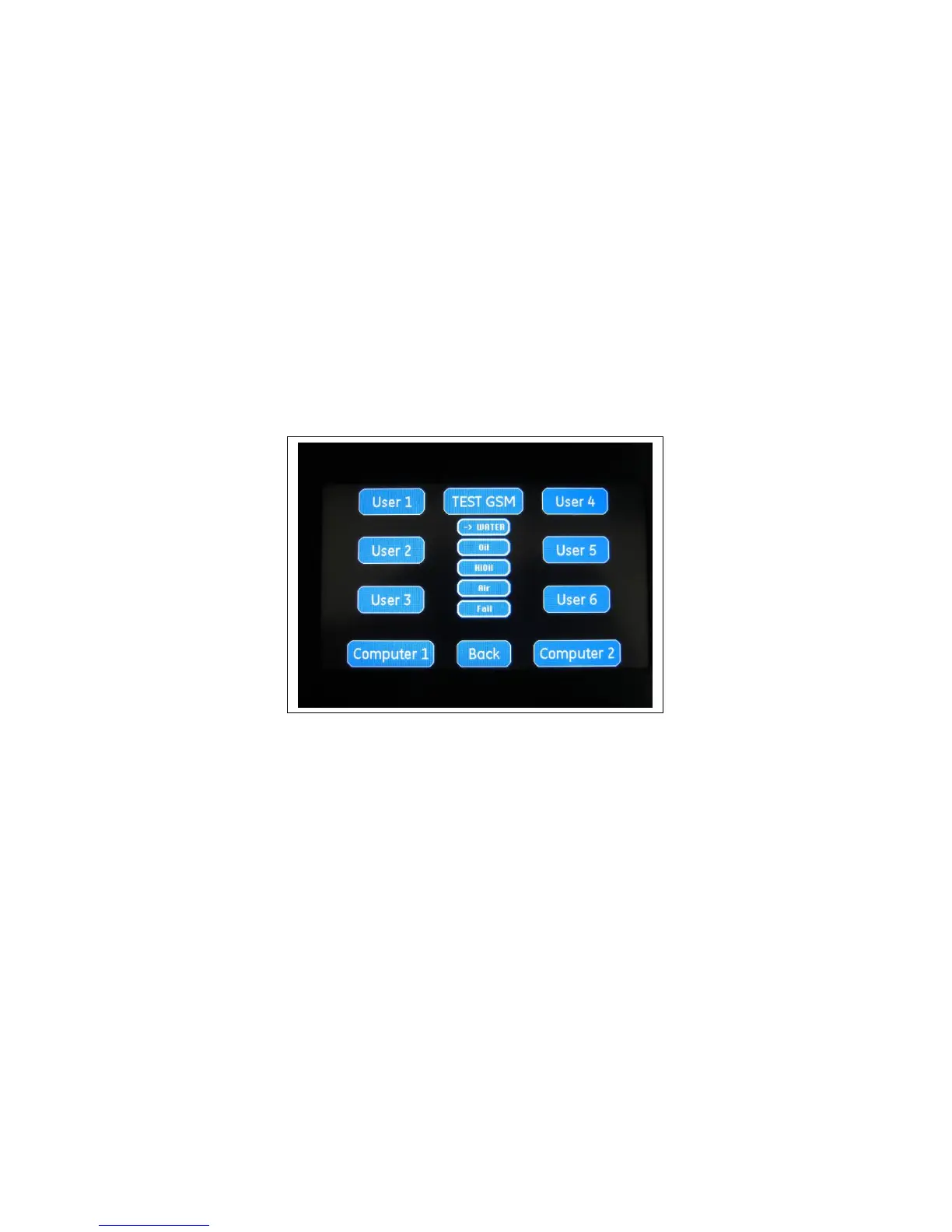
If the SLC-220 / SLR-220 controller has an LCD display, the modem can be tested, and the Users
settings can be verified.
If the WATER button is pressed and then the TEST GSM button is pressed, a text message will
be created and sent to the enabled Users. The message will be in the form of:
WATER TEST+COPS: 0,0,”Orange”,2+CSQ: 17,99
+CSQ 13,99 means that RSSI (Received Signal Strength Indication) is 13.
A value between 11 and 31 indicates a sufficient RSSI.
A value between 0 and 10 indicates insufficient RSSI. A different location or an external antenna
may increase the RSSI to a sufficient level.



 To Next Page