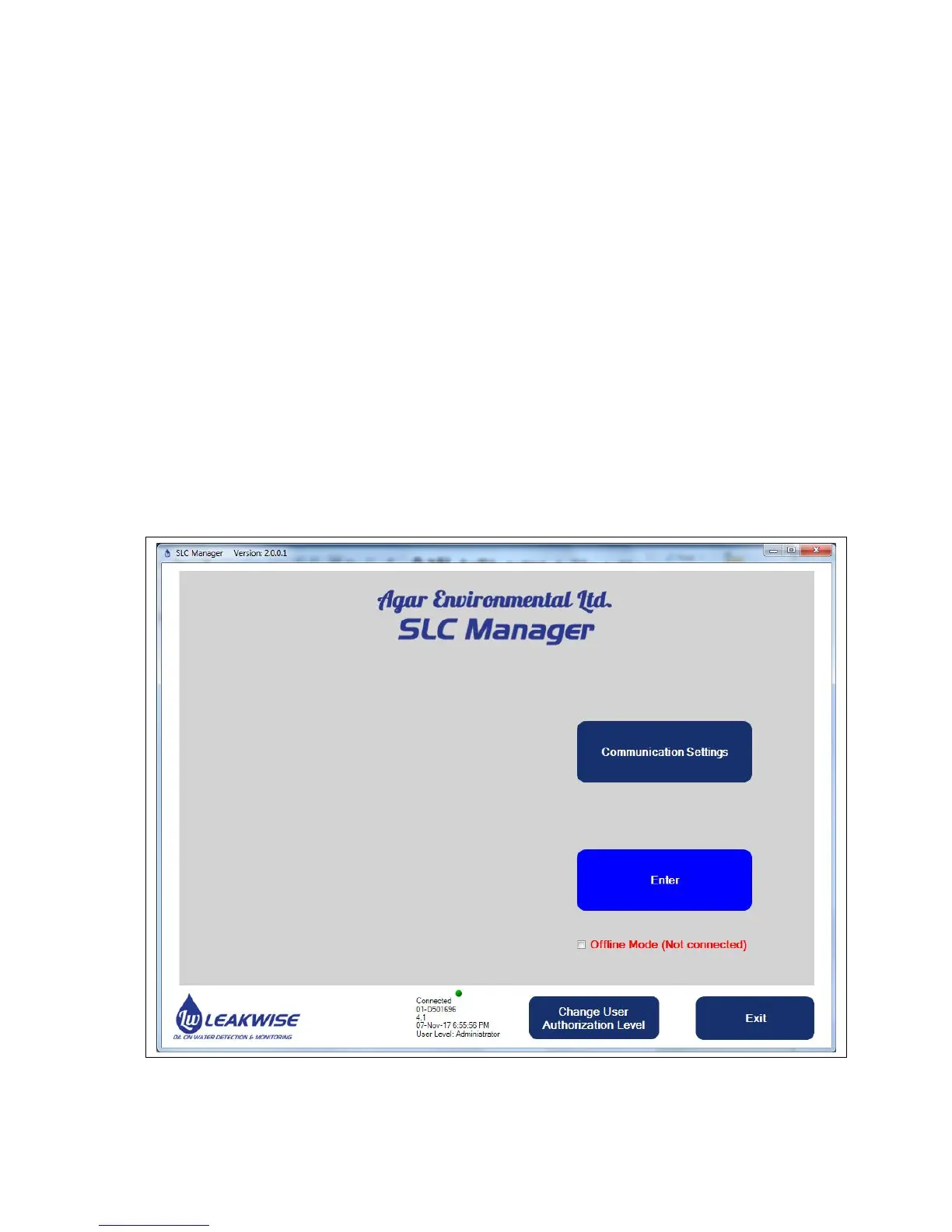
4 Using the SLC-Manager Program
4.1 Program Installation
The SLC-Manager Program is supplied on a CD. It will work on MS Windows XP, 7 and 10
operating systems. A RS-232 cable is also supplied. The PC needs a RS-232 serial port or a USB
port with USB to RS-232 adaptor.
Simple installation of the SLC-Manager Program is required from the Installation folder in the CD;
run setup.exe. SLC-Manager (and SLC-Manager OFFLINE for versions before 2.0.0.1) will be
created in the Start menu and on the desktop. Use SLC-Manager to start the program when a
SLC-220 unit is connected to the PC. SLC-Manager OFFLINE can be used to work on settings
without a connection to the SLC-220 unit.
4.2 Entry Screen



 To Next Page