11 Appendix C: Updating SLC-220 Firmware
1. Connect the PC RS-232 serial port (or through the USB-to-Serial converter) to the "PC"
connector of SLC-220.
2. Power on the SLC-220. Run the SLC-Manager PC program.
3. Assuming there is communication between the SLC-Manager and SLC-220: Check the
Serial Port Settings under Communication Settings of the SLC-Manager PC program
and see to which serial port it is connected to.
4. Save the settings by Save to PC button, and then close the SLC-Manager program.
5. Unzip the SLC-220 Update ZIP file that was sent for updating the SLC-220 Main board.
6. Turn SLC-220 power off, wait 5 seconds, and then turn power on again.
7. Run the update SLC-x.x.bat file.
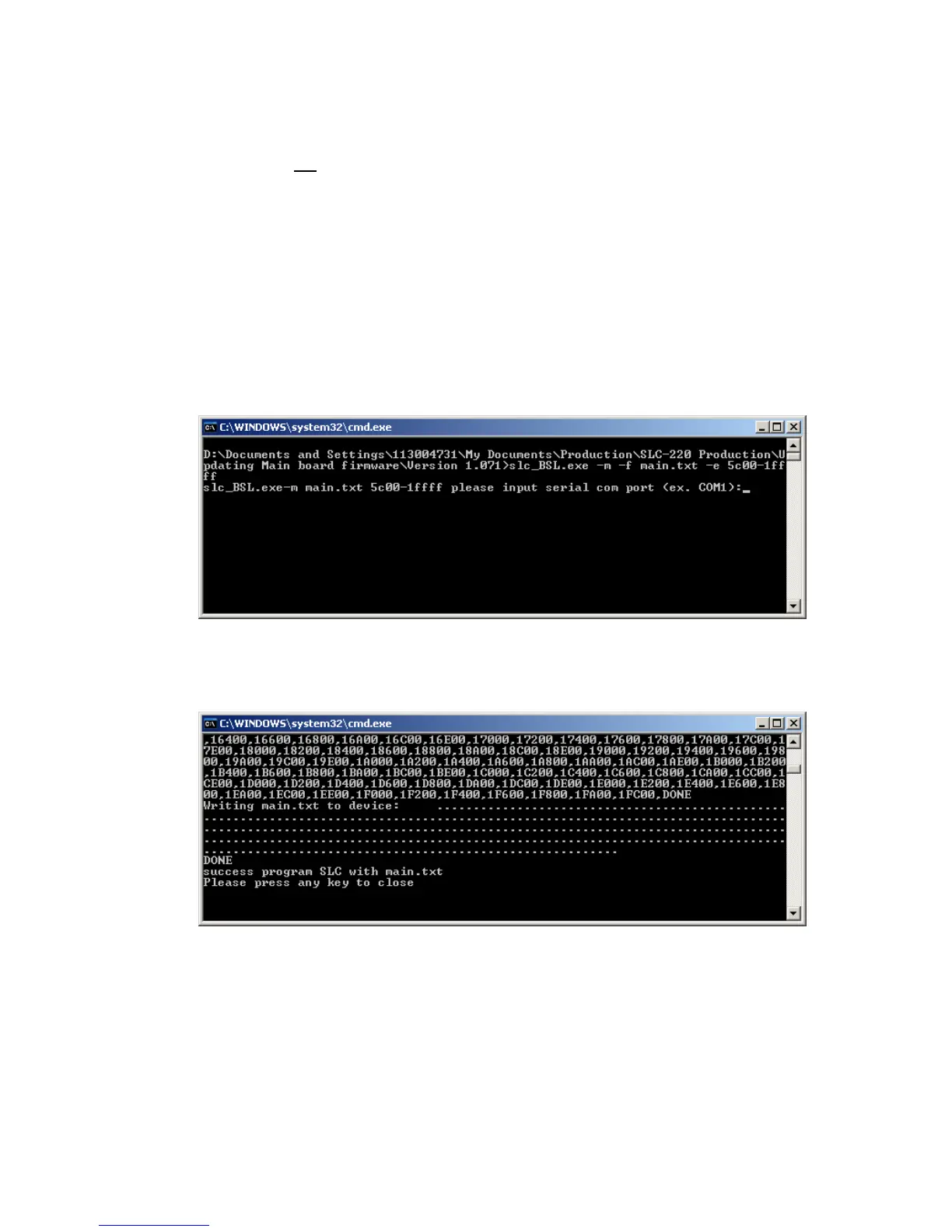
8. A black background screen will open and prompt to enter the number of the PC serial port.
For example, if it is COM1 then type 1 and then <Enter>.
9. The update will start by prompting "programming main.txt via COM1", and the message
"DONE" will appear at the end.
Press any key to close the window.



 To Next Page