When the SLR-220 is turned on, there is no data yet from any Remote sensor. Therefore, the
SLC-Manager will show on the PC screen (or on optional local LCD) 0 µA for the Remote sensors,
until they send their first text message. Until the first update, all the relays of Remote sensors will
be off, and the 4-20mA outputs of Remote sensors will be set to 4.25 mA.
The SLR-220 will be updated with sensor signal and sensor status even if the status didn’t
change, but the signal continued to change, for example when oil layer slowly changed by a
certain percentage but didn’t reach High Oil yet.
Nevertheless, if more frequent updates from the Remote sensors are required, the user may
configure the Remote SLC-220 units to re-send each status & signal as frequent as required, on
the expense of more SMS messages per month. Refer to section 6.1.4 Update Interval. The fact
that a Remote SLC-220 is battery powered should also be taken into consideration when
determining the Update Intervals, as the GSM modem is a significant power consumer (when
turned on, it stays on for at least 10 minutes). For example, if the re-send intervals are set to the
10 minutes minimum, the modem will practically stay on all the time!
The GSM modem of the SLR-220 is powered continuously.
It is possible to make Inquiry about the STATUS of a remote sensor directly to the phone number
of the Remote SLC-220, or to the phone number of the SLR-220.
Refer to section 6.3 Inquiry Messages.
Two additional messages may appear as an error in SLC-Manager and on the LCD:
“Modem Failure” if there is a problem with the local modem.
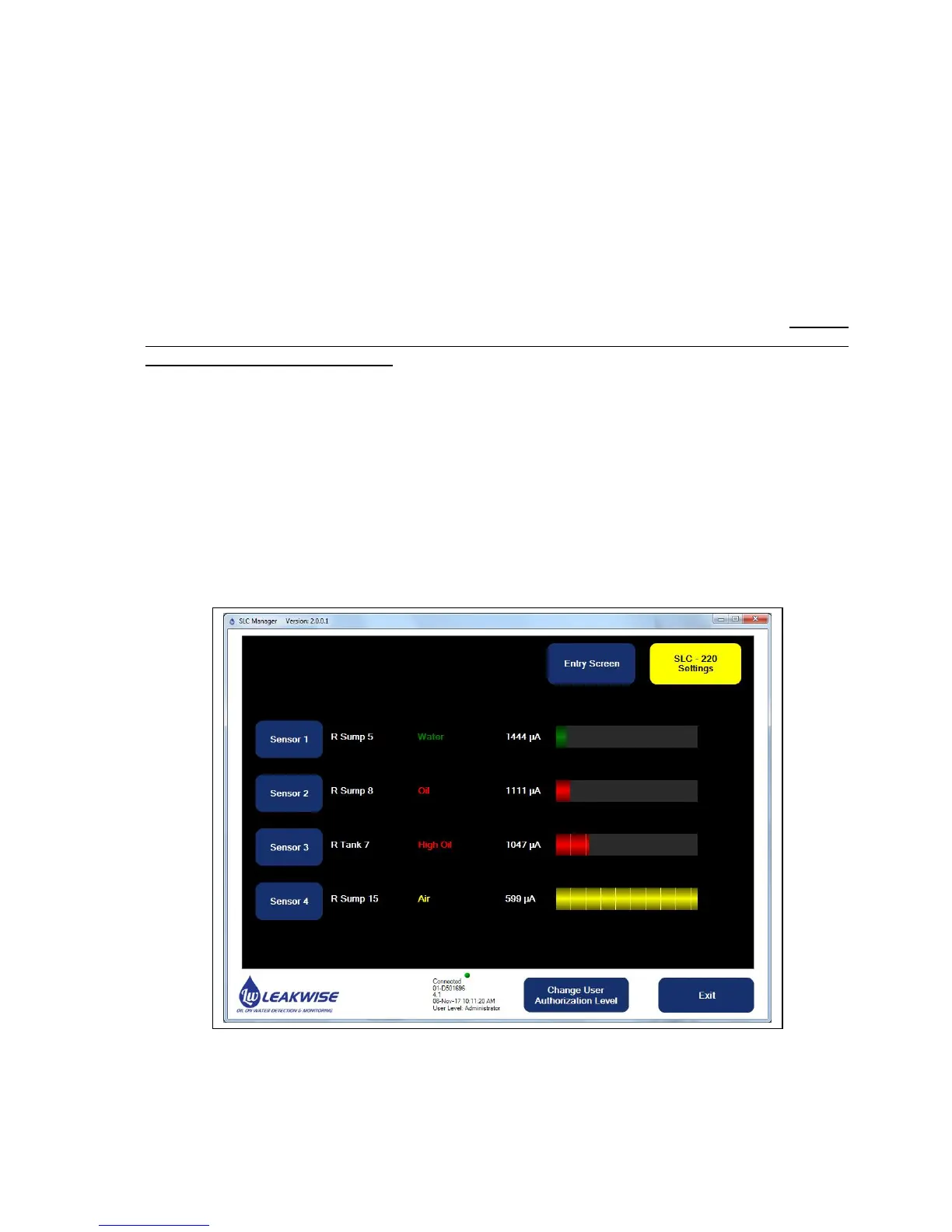
A typical SLR-220 main screen on SLC-Manager PC program:



 To Next Page