Page 58 Operation – Elements and procedures Group 6
Release R1.07 en JET2 neo
Status field <General> (6): In this field the current operating condition of the nozzle
as well as the status of the head cover and the ink supply are displayed.
Operating conditions nozzle
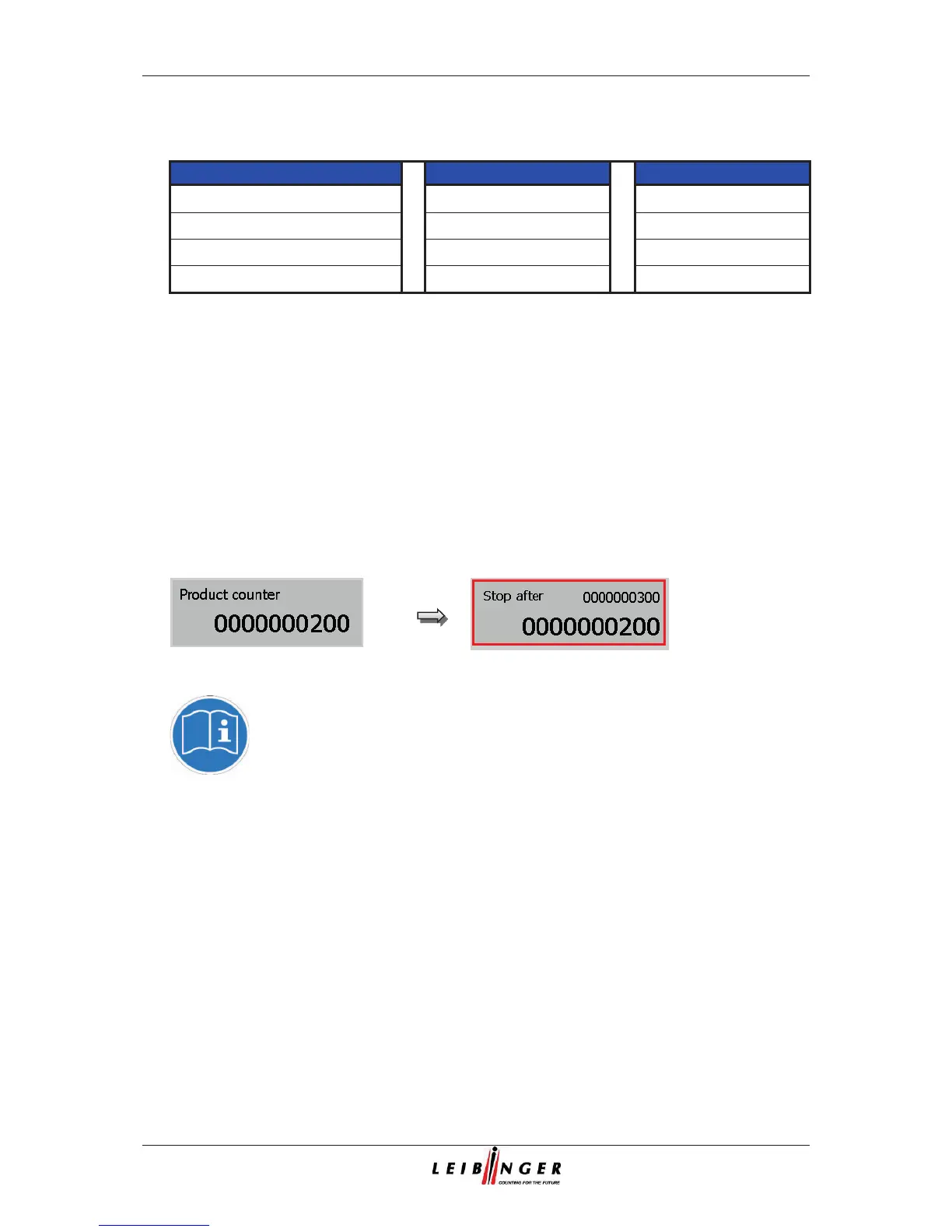
Status field <Product counter> (7): The current value of the production counter is
displayed in the field. By pressing on the field you can change or reset the value of
the counter.
If a print stop is defined after a pre-defined amount of prints, the value is also shown
in the status field. For better visualization that a pre-defined print stop has been
defined, the field is displayed with a red frame.
Status field <Product counter>
You will find further information also in the chapters Reset
production counter
and Change production counter
as well as in the
chapter



 To Next Page