EasyManua.ls Logo

Leica SL - Page 32

Leica SL
151 pages
Print Icon
To Next Page IconTo Next Page
To Previous Page IconTo Previous Page
Loading...
EN
177
Camera operation
Menu settings
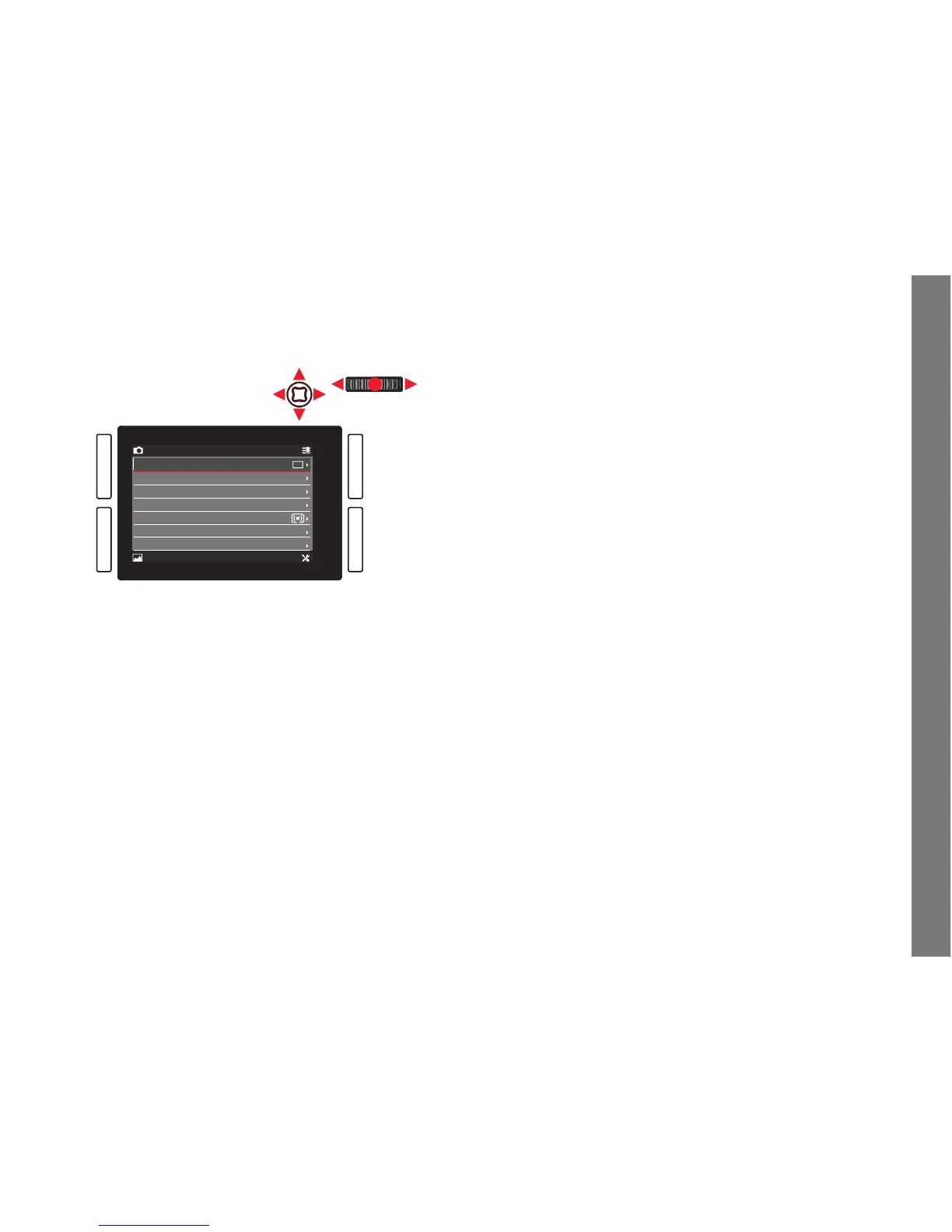
All settings for the menu items can either be made using the click
wheel or the joystick.
CAMERA FAVORITES
IMAGE SETUP
Drive Mode
Focus Mode
AF Mode
AF Field Size
Exposure Metering
Exposure Compensation
Exposure Bracketing
AFs
Static
Field
0
Exiting the menu
You can exit the menu in various ways:
To activate photo recording mode:
Tap the shutter release button (see p. 204)
To take a photo:
Press the shutter release all the way.
To activate video preview mode:
Press the
LV button.
To start a video recording:
Press the video release button (see p. 236)
SL_EN.indd 177 16.09.2015 15:04:24


Table of Contents

Other manuals for Leica SL

Related product manuals