EN
198
Basic photo settings
WHITE BALANCE
In digital photography, white balance ensures neutral, i.e. natural,
reproduction of color in any light. It is based on the camera being
preset to reproduce a particular color as white.
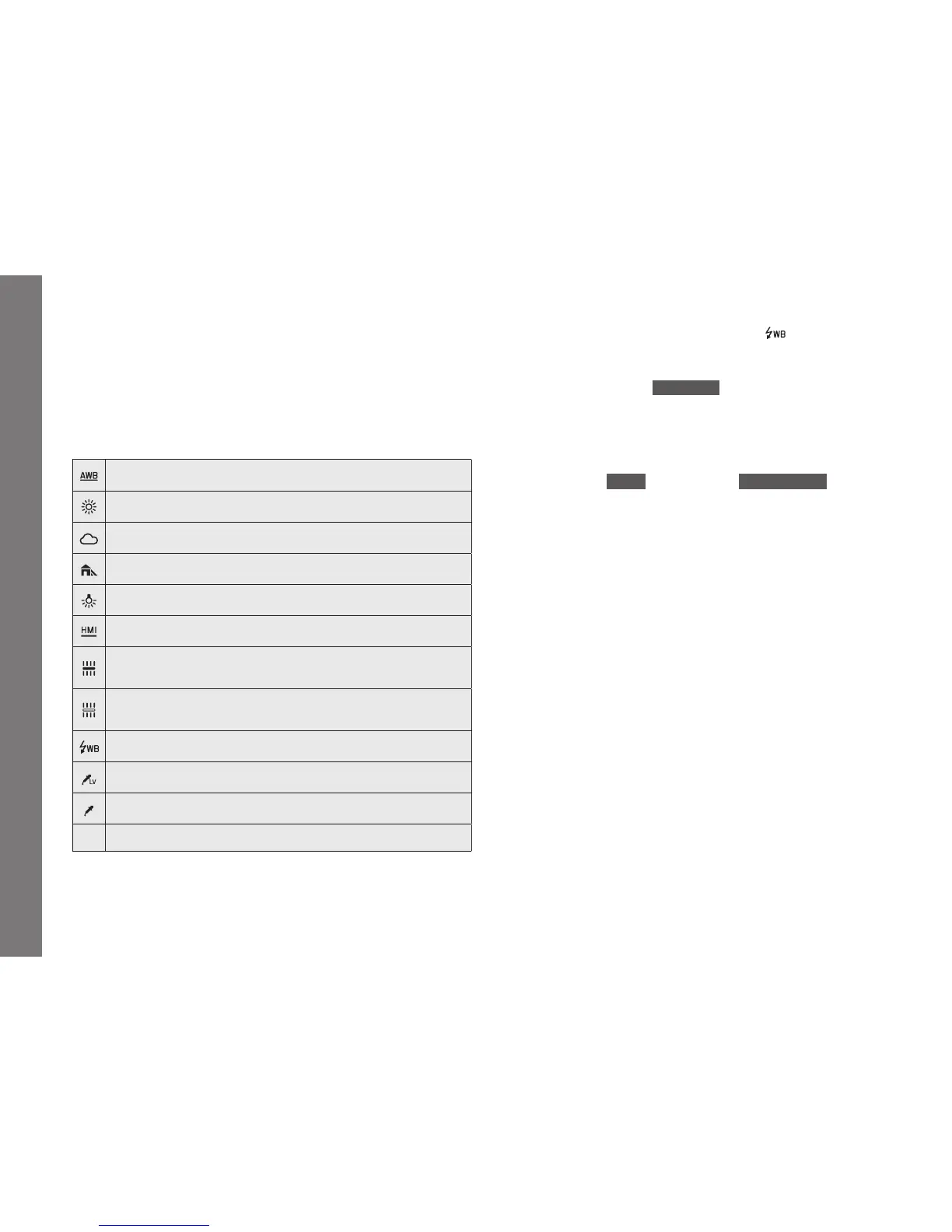
You can choose between, automatic white balance, several presets,
two settings for manual metering, and direct setting of the color
temperature:
Automatic white balance
For outdoor pictures in sunlight
For outdoor pictures with cloudy sky
For outdoor pictures with the main subject in shadow
For illumination with light bulbs
For illumination with metal halide lamps
e.g. for indoor pictures with (prevailing) light from fl uorescent tubes with
warm light color
e.g. for indoor pictures with (prevailing) light from fl uorescent tubes with
cool light color
For illumination with electronic fl ash
for manual setting by measurement with selectable target point
for manual setting by measurement
K
For manual color temperature input
1
1
All color temperatures are specifi ed in Kelvin.
Notes:
• If non-compatible fl ash units are used, the
setting should be
used.
• This function can be assigned to one of the soft keys for direct
access, and also to the
FAVORITES menu.
Automatic and fi xed presets
Setting the function - using menu control
1. In the menu's
IMAGE section, select White Balance, and
2. in the submenu, the desired setting.
• The image’s color is adjusted accordingly.
3. Save the setting by pressing the click wheel, the joystick, or
the shutter release button.
SL_EN.indd 198 16.09.2015 15:04:28



 To Next Page