17
Getting Started
Lenovo TAB7
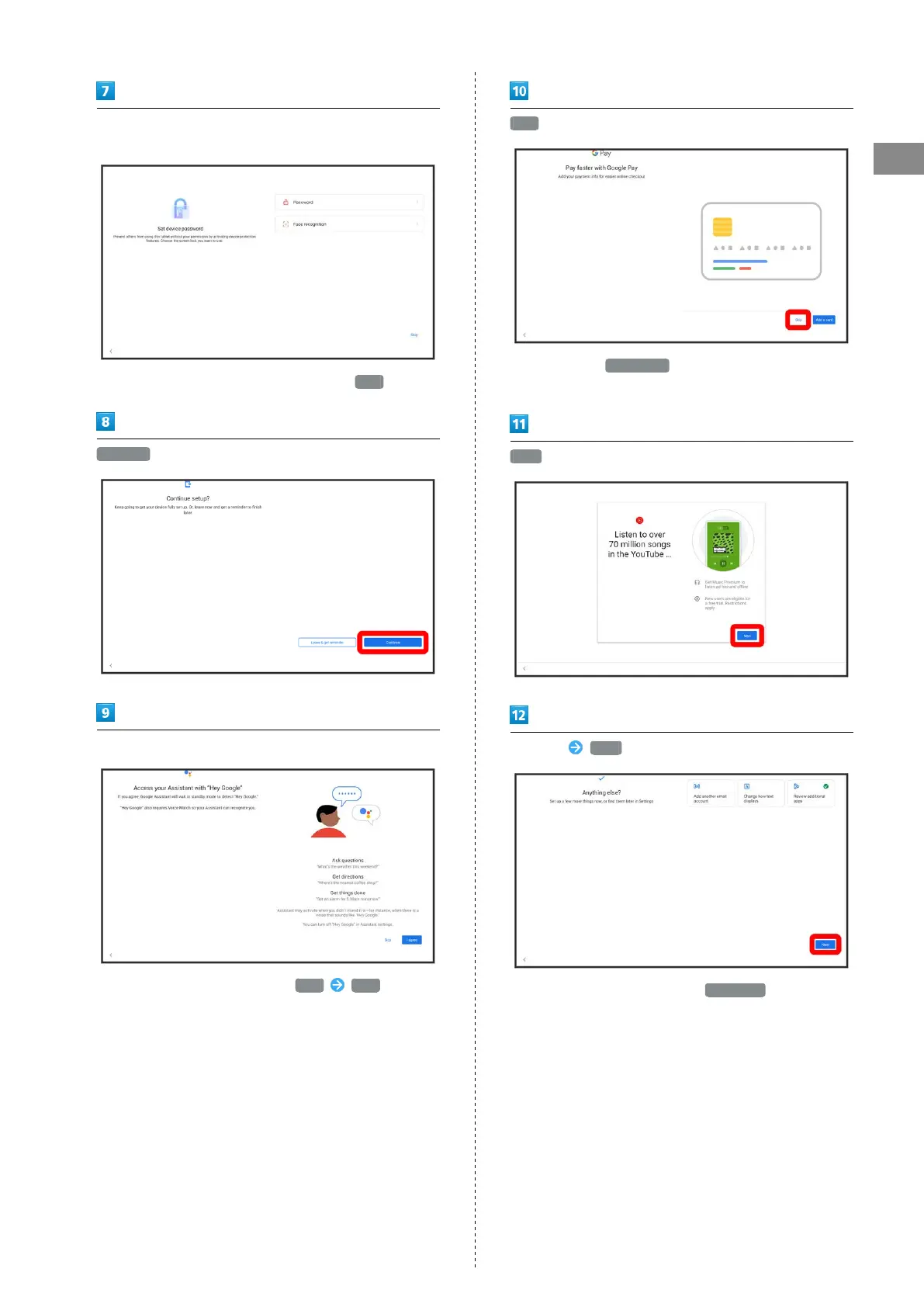
Follow onscreen prompts to set unlocking using password/
facial recognition
・
To not set password/facial recognition, Tap Skip .
Continue
Follow onscreen prompts to set Google Assistant
・
To not set Google Assistant, Tap Skip Skip .
Skip
・
After Tapping Add a card follow onscreen prompts to
save card information.
Next
Set items Next
・
To not make other settings, Tap No thanks .



 To Next Page