35
Tablet Interface
Lenovo TAB7
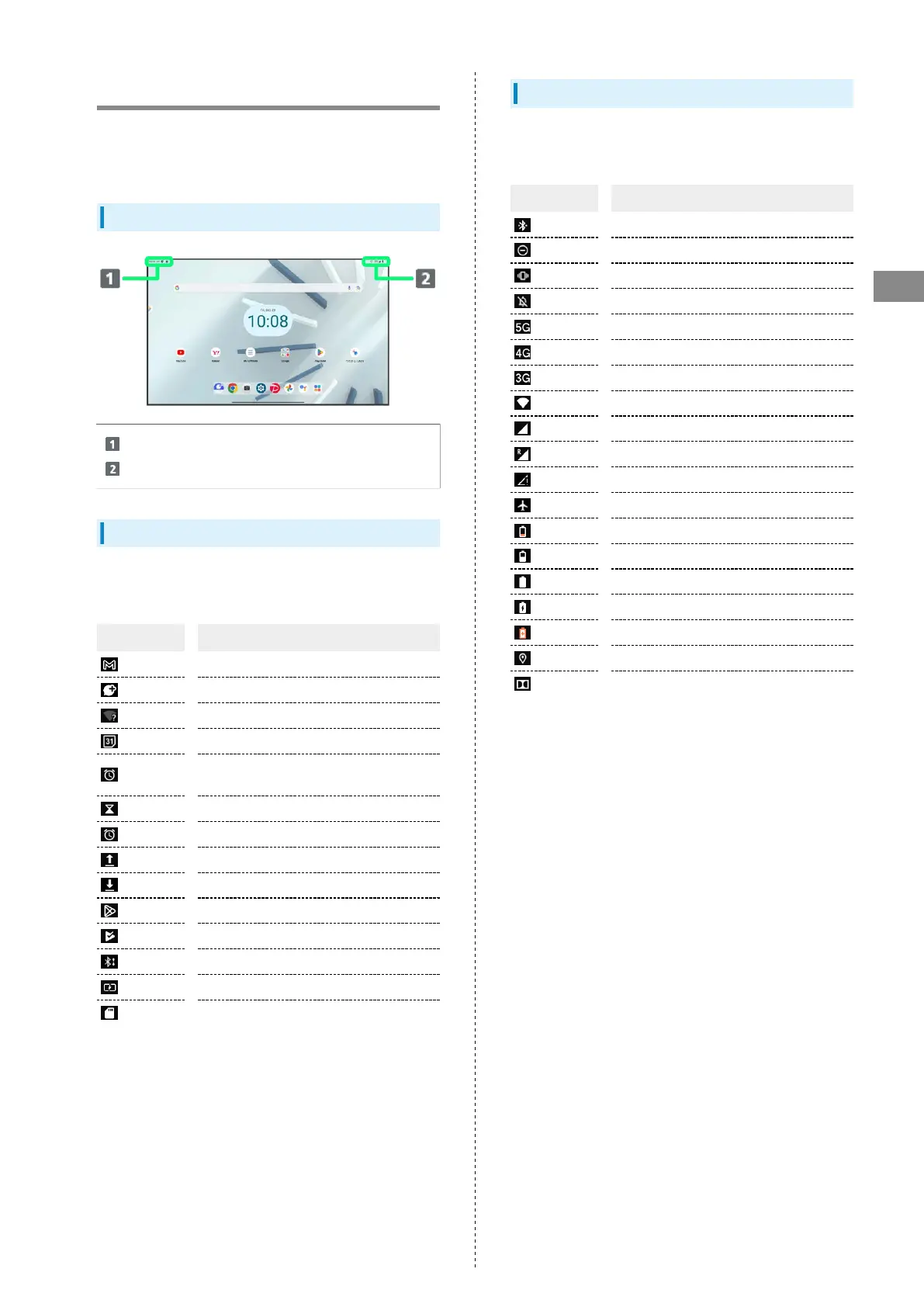
Status Bar
Status Bar appears at the top of Display. Notification
Indicators for new mail, etc. and Status Indicators for tablet
appear here.
Status Bar Layout
Notification Indicators
Status Indicators
Main Notification Indicators
Notification Indicators appearing in Status Bar include the
following.
Indicator Description
New Gmail
New Text Message (SMS)/+Message
Wi-Fi Open Network Available
Calendar Event Notification
Alarm Sounding/Snoozing/Unchecked
Alarm/Next Alarm
Timer Running
Stopwatch Running
Data Uploading
Data Downloading
Application Update Notification
Application Installation(s) Complete
Sharing File via Bluetooth
®
Battery level less than about 15%
SD Card Detected/Mounting
Main Status Indicators
Status Indicators appearing in Status Bar include the
following.
Indicator Description
Bluetooth
®
Connected
Do Not Disturb
Do Not Disturb (Vibrate)
Do Not Disturb (All Notifications Muted)
5G Data in Use
1
4G LTE/4G Data in Use
2
3G Data in Use
Wi-Fi Connected
Signal Strength
Roaming
No Signal
Airplane Mode On
Charge Battery
Battery Low
Battery Charged
Battery Charging
Battery Saver On
Obtaining Location
Music Playing with Dolby Atmos
1 Although "5G" may appear in standby (top of Display), this
may change to "4G" with data communication then being by
the 4G network.
2 Tablet supports FDD-LTE (SoftBank 4G LTE) and AXGP
(SoftBank 4G); indicator appears when tablet is connected
to either. Tablet connects to SoftBank 4G first.



 To Next Page