50
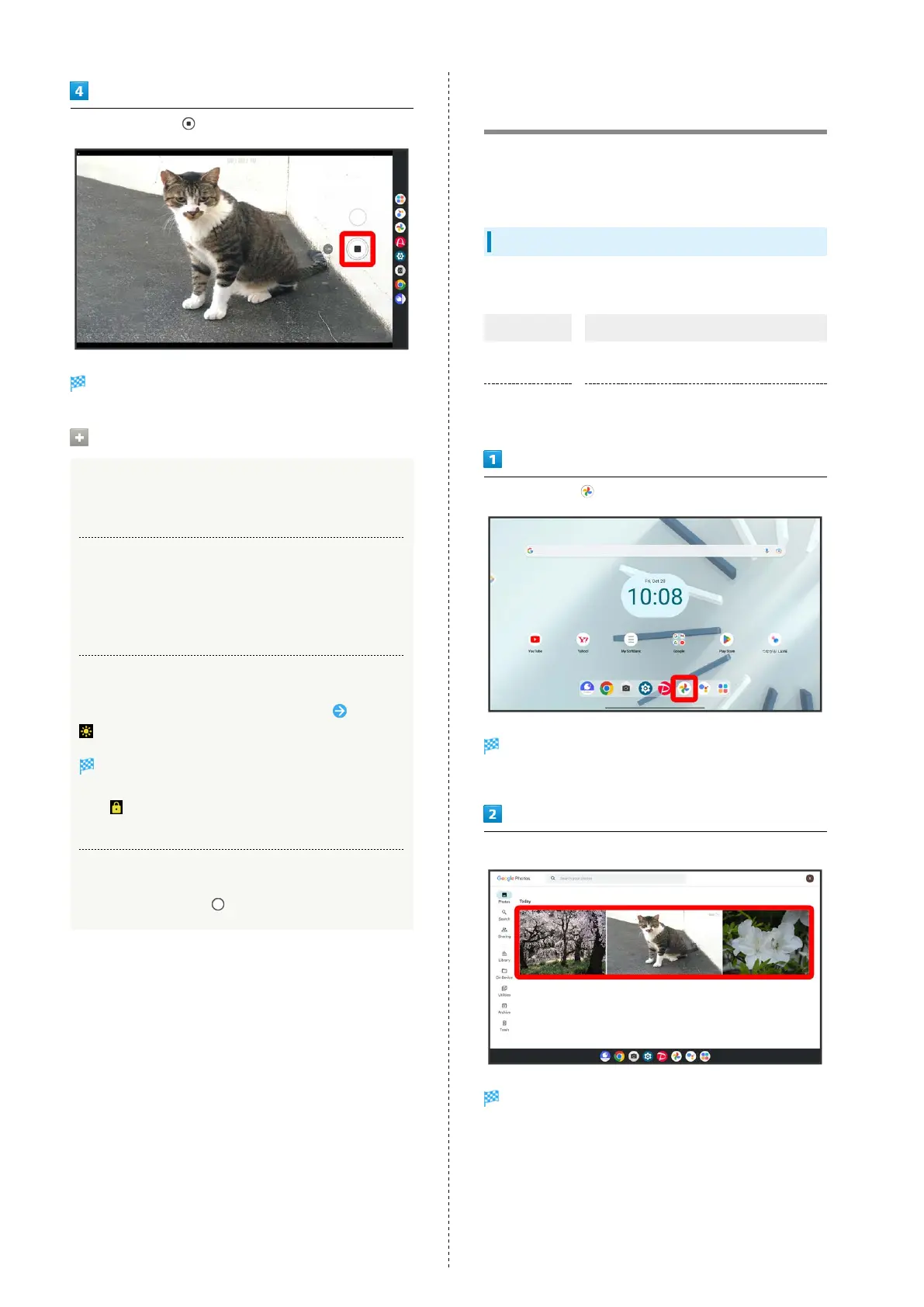
To stop recording,
Video recording stops and video is saved.
Video Capture Operations
Using Digital Zoom
In Video Viewfinder/while capturing video, Pinch screen
Capturing with Volume Up/Down Key
In Video Viewfinder, Press Volume Up/Down Key
・To end capture, while capturing video, Press Volume Up/
Down Key.
Focusing and Adjusting Brightness
In Video Viewfinder, Tap location to focus at Drag
up or down
Brightness is adjusted.
・In Video Viewfinder, Touch & Hold location to focus
at, appears in a round frame, allowing focus and
brightness to be locked.
Capturing Still Images while Capturing Video
While capturing video,
Viewing Captured Still Images/
Videos (Photos)
View still images/videos saved in internal storage, on SD Card,
and in Google online storage. Viewing after logging in to a
Google account is described.
Showing Still Images/Videos
Show captured or downloaded still images and videos.
Type File Format
Still image
BMP, GIF, JPG, PNG, WebP, HEIF, ICO,
WBMP
Video
3G2, AVI, FLV, TS/M2TS, MKV, WEBM,
3GP, MPEG-4, HEIC/HEIF, ASF/WMV, MOV
In Home Screen, (Photos)
Photos opens.
・If confirmation appears, follow onscreen instructions.
Tap still image/video
Still image/video opens.
・Video plays after tapping the video.
・If confirmation appears, follow onscreen prompts.
・To show another still image or video, return to Photos and
either Tap still image/video or Flick screen left/right while
viewing still image/video.



 To Next Page