31
Basic Operations
Lenovo TAB7
Updating Software
Check whether updates are required via the Internet, and
update as required.
Checking and performing available software update is free.
Before Updating Software
Saved data may be lost depending on condition of tablet
(malfunctioning, damaged, water seepage, etc.). It is
recommended that you back up important data before
updating software. The company is not responsible for
damages from loss of data.
Software Update Cautions
During Update
Tablet cannot be used until software is updated. It may
take time to update software. When a device is running
software update, don't remove a USIM card from the device
or turn its power off. Doing so can cause failure of the
update and result in the device that may be inoperable or
malfunction. If the device is inoperable or malfunctions,
contact Customer Service.
Signal during Update
Operate tablet where signal reception is good and without
changing location. Also operate with adequate battery
charge. Signal becoming weak or Battery becoming low
during an update may cause an update failure. An update
failure may disable tablet.
If Using Other Functions
Other functions cannot be operated during a software
update.
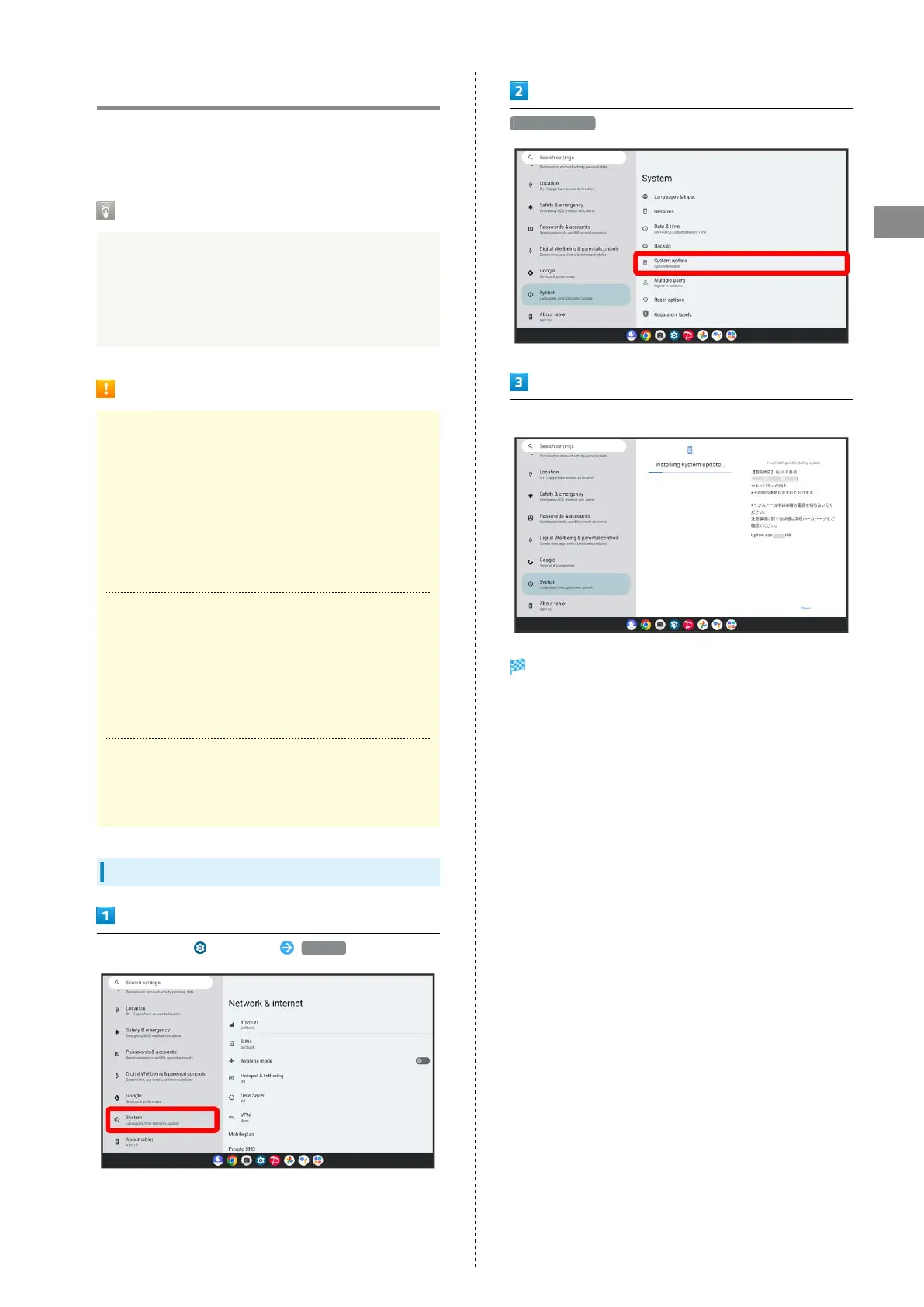
Updating Software
In Home Screen, (Settings) System
System update
Follow onscreen instructions
Software update starts.



 To Next Page