29
Basic Operations
Lenovo TAB7
Using Silent Mode (Mute)
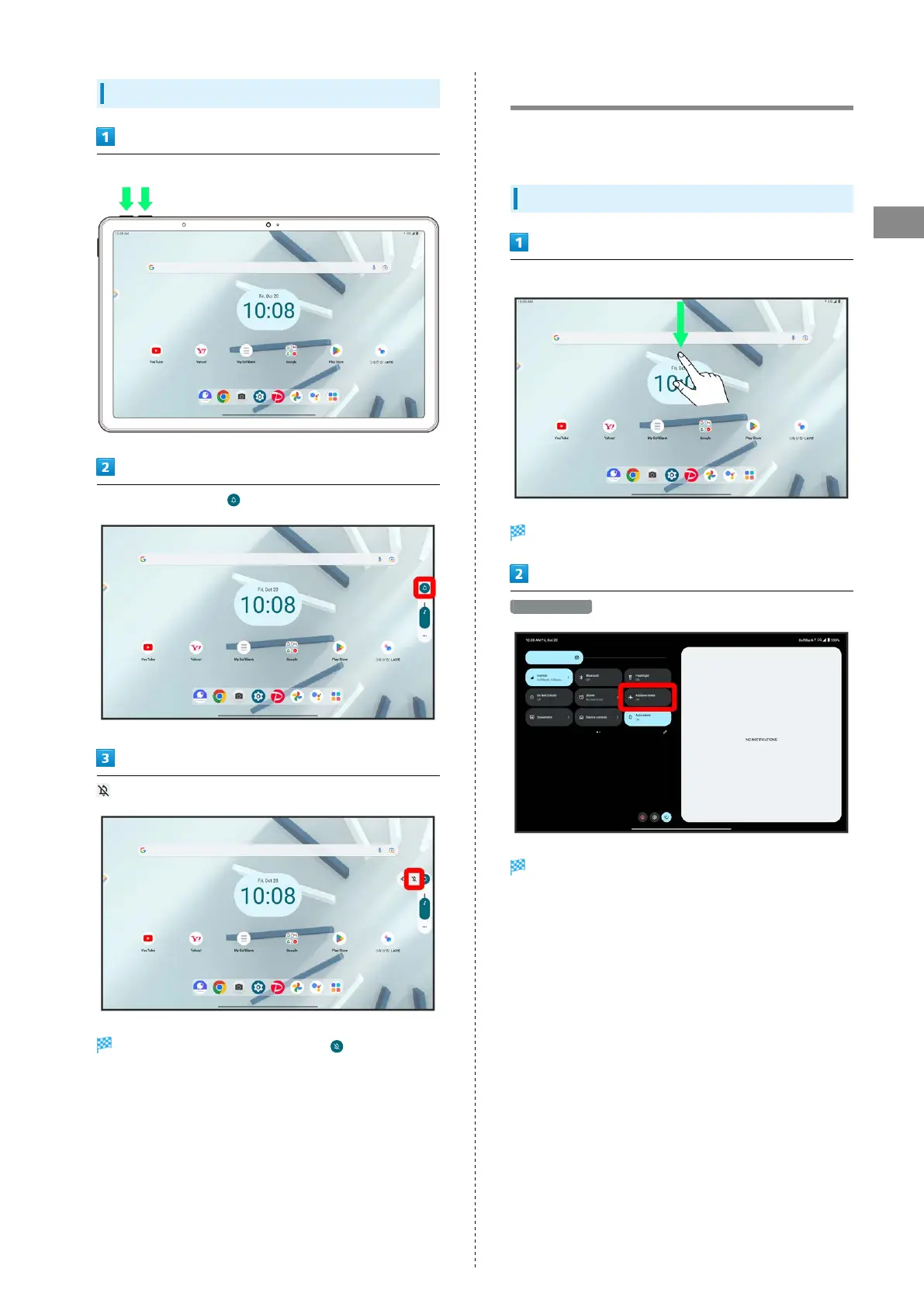
Press Volume Up/Down Key
On volume adjust bar,
while volume adjust bar is displayed
Icon on volume adjust bar changes to , and tablet
enters Silent mode (mute).
Airplane Mode
Disable all functions that emit signals. Tablet remains
powered on.
Using Airplane Mode
Flick Status Bar down using two fingers
Quick Settings open.
Airplane mode
Tablet is in Airplane mode.
・Use same operation again while in Airplane mode to cancel.



 To Next Page