28
Silent Mode
Mute ringtones and other tablet sounds to avoid disturbing
others around you.
Silent Mode Cautions
Camera shutter, video start/stop tones, Alarm and video/
music audio sound even in Silent mode.
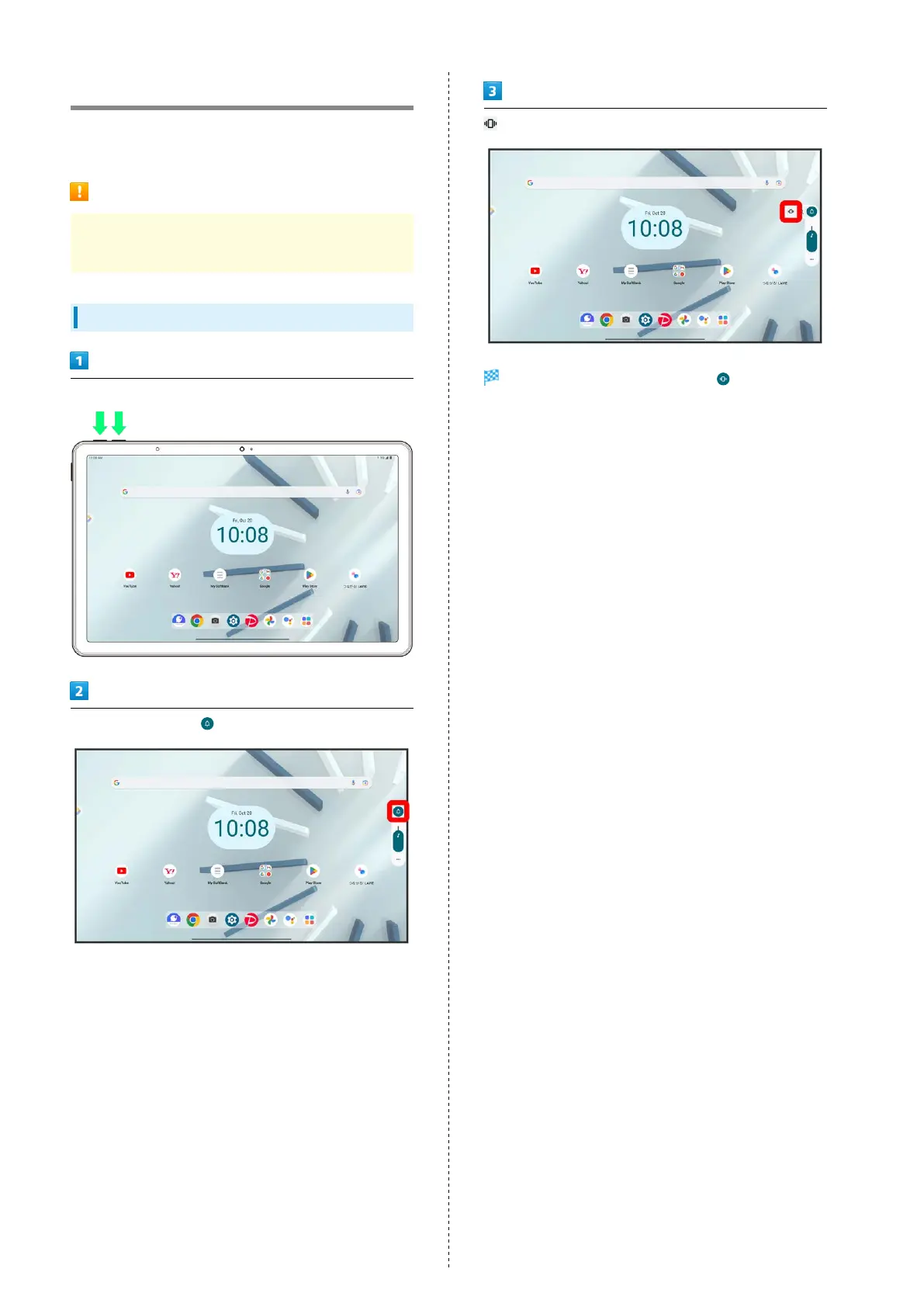
Using Silent Mode (Vibration)
Press Volume Up/Down Key
On volume adjust bar,
while volume adjust bar is displayed
Icon on volume adjust bar changes to and tablet
enters Silent mode (vibration).



 To Next Page