34
Screens
Home Screen & App List
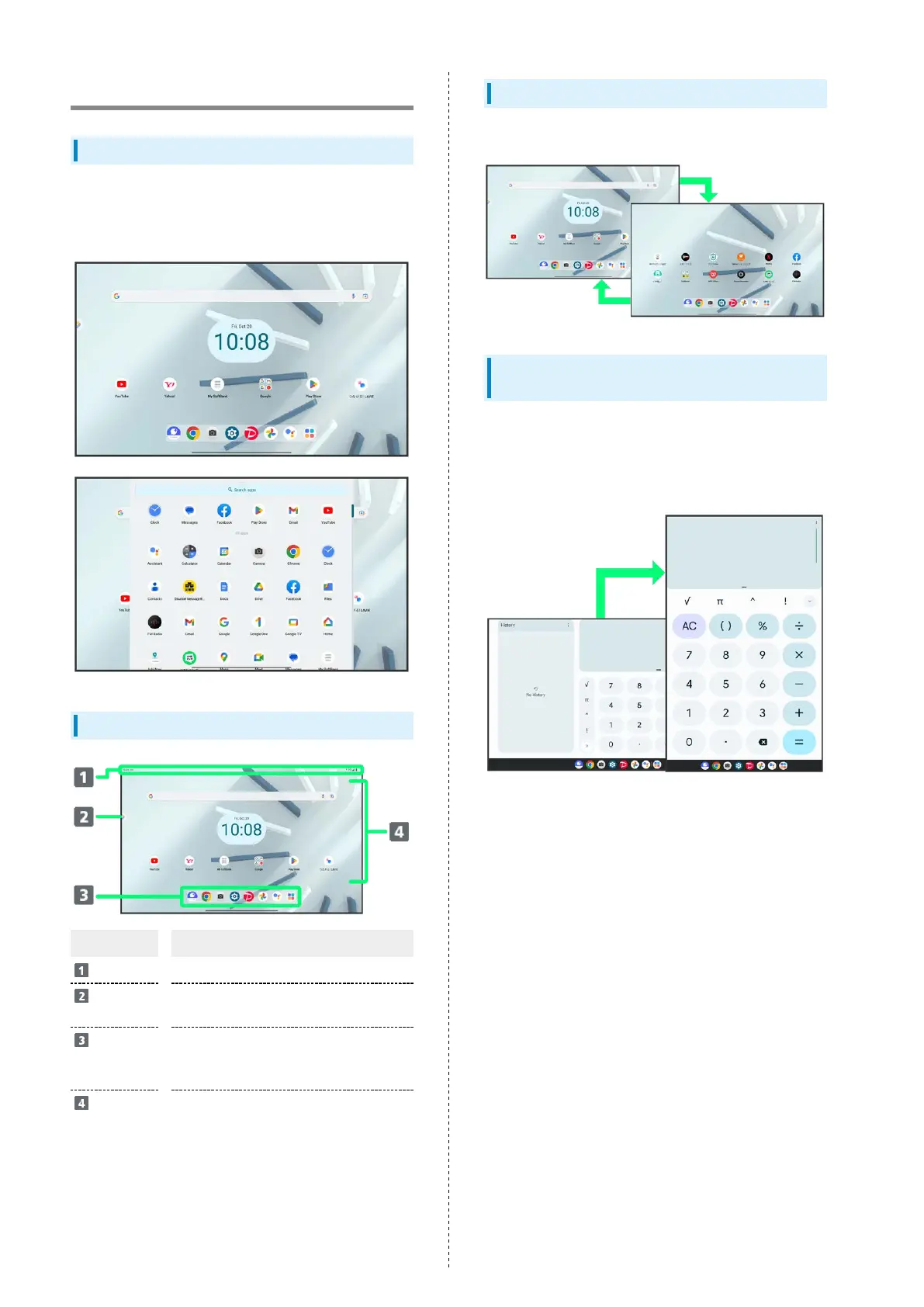
Most tablet operations start in "Home Screen" that appears
after unlocking the screen, or in "app list". Flick Home Screen
up for "app list".
Home Screen Layout
Item Description
Status Bar
Flick down for Notifications Window.
Entertainment
Space
Open Entertainment Space.
Taskbar
(Favorites
Tray)
Place application shortcuts, folders, etc.
Appears even when Home Screen sheets
toggled.
Customize
Area
Place application shortcuts, folders,
widgets freely.
Toggling Home Screen Sheets
Flick Home Screen left/right to toggle sheets.
Portrait Orientation & Landscape
Orientation
The screen changes to portrait orientation when tablet is
rotated sideways.
・Depending on the current screen, the orientation may not
change even by changing tablet orientation.



 To Next Page