62
Tablet Settings
The User Guide describes main setting options.
Tablet Settings
In Home Screen, (Settings) to customize operation of
tablet functions.
Tablet settings include the following items.
Item Description
Network &
internet
Make network and Internet settings for
Wi-Fi, mobile networks, data usage, etc.
One Vision
Supports Multi-Window switching
according to purpose.
Connected
devices
Make Bluetooth
®
connection and other
settings.
Apps Make application settings.
Notifications Make notification settings.
Battery
Check Battery usage and make settings to
save battery power.
Storage
Check internal and SD Card storage, mount
SD Card, and delete SD Card data.
Sound &
vibration
Make sound and vibration settings.
Display Set Display brightness, design, etc.
Wallpaper &
style
Make settings for wallpaper, icons, etc.
Accessibility
Set captions, magnification gestures, and
other useful accessibility functions.
Biometrics
and passwords
Make settings for how to unlock the
screen and facial recognition.
Privacy
Make privacy settings such as application
permissions and showing notifications in
lock screen.
Location Set options for location information.
Safety &
emergency
Make settings for emergency information
and calls.
Passwords &
accounts
Make settings for managing saved
passwords and creating, adding, etc.
accounts.
Digital
Wellbeing
& parental
controls
Manage time that tablet is used and set
parental limitations on use.
Google Make settings for Google services.
System
Check and make settings for language,
input, date and time, backup, switching
users, reset, and regulatory notices.
About tablet Check device name, legal information, etc.
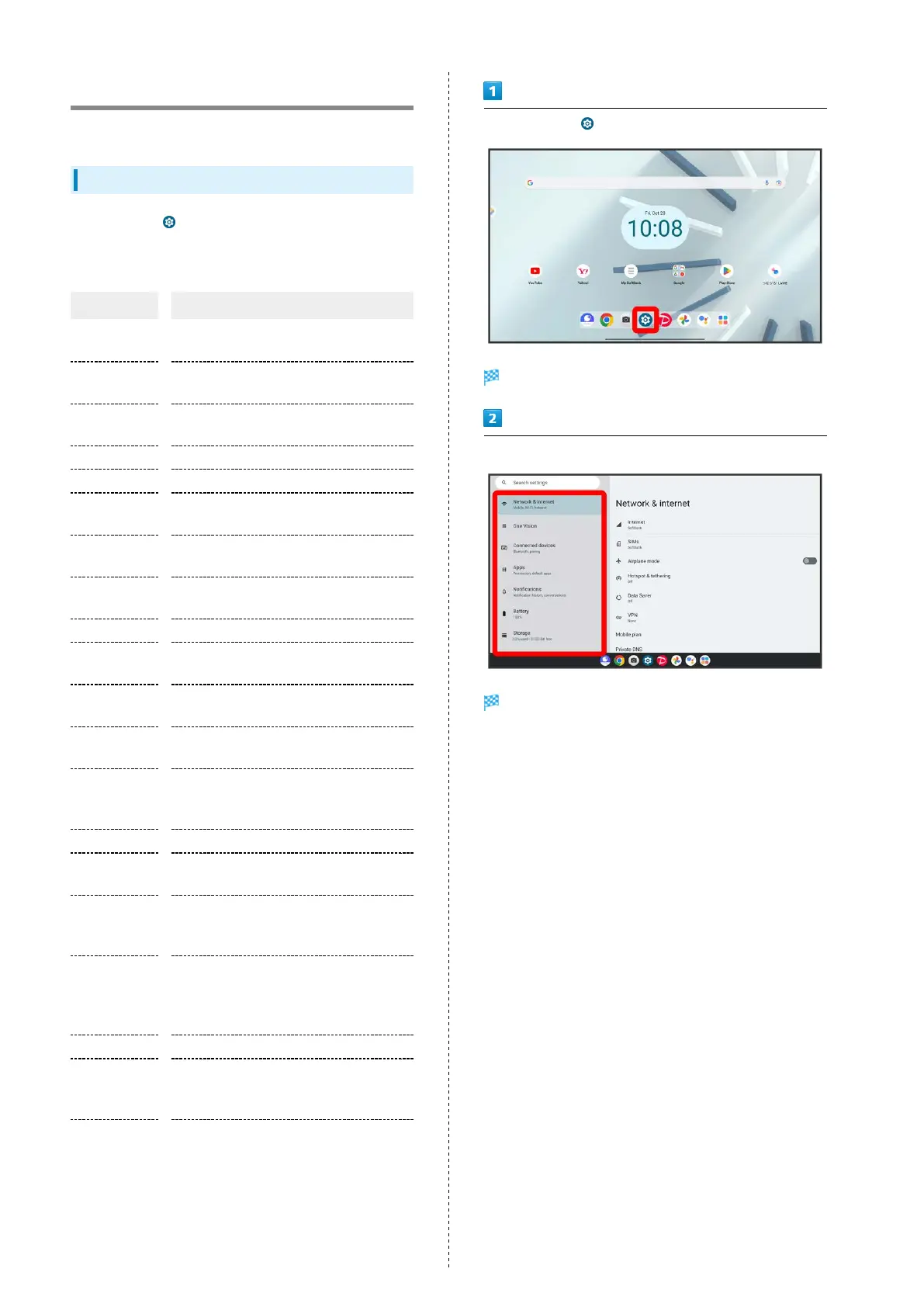
In Home Screen, (Settings)
Tablet settings open.
Set items
Settings open.



 To Next Page