20
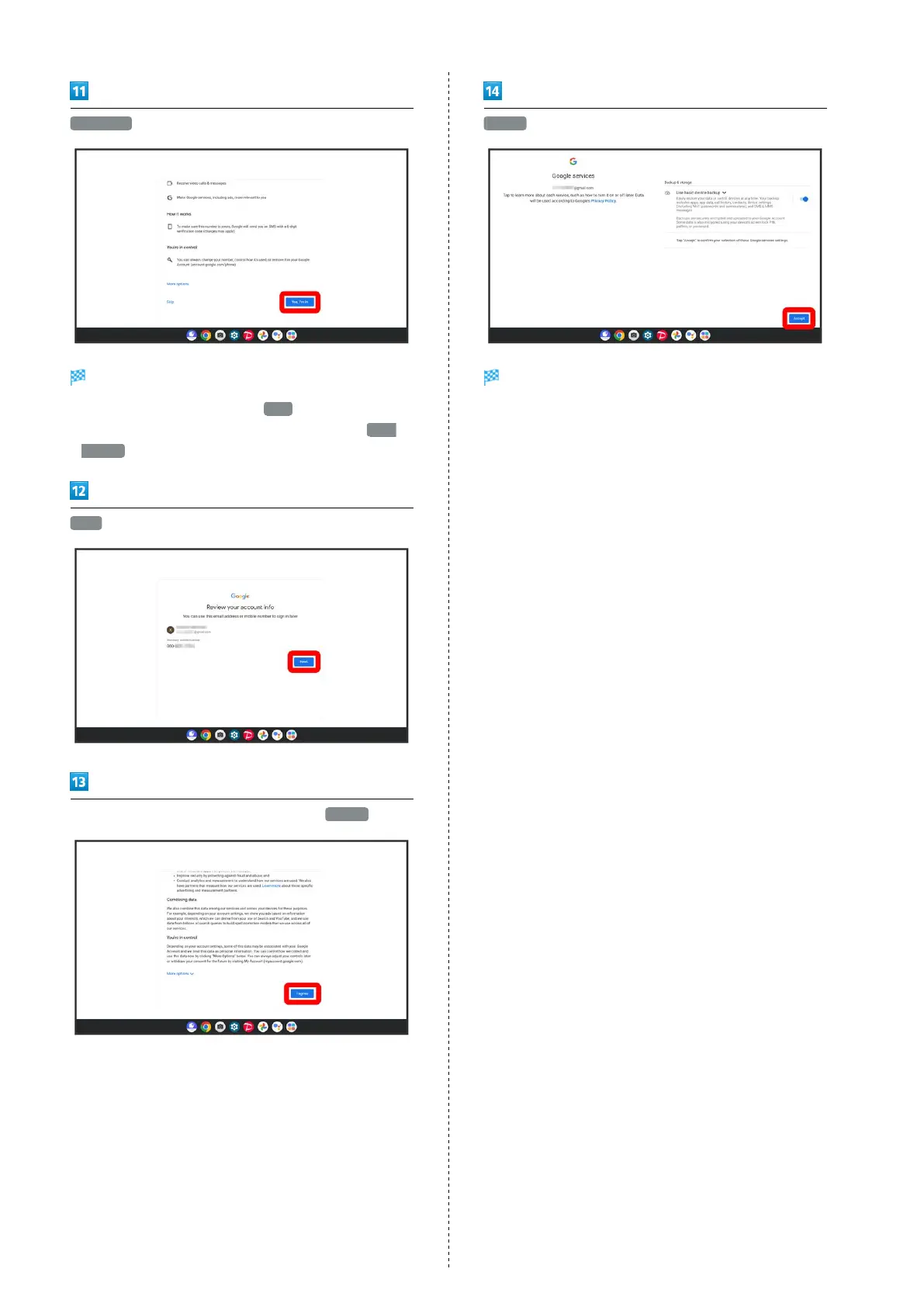
Yes, I'm in
Code is entered automatically and screen proceeds.
・
To not add a phone number, Tap Skip .
・
To set a purpose when adding a phone number, Tap More
options . Follow onscreen prompts.
Next
Check the privacy policy and terms of usage, I agree
Accept
Account is created.



 To Next Page