42
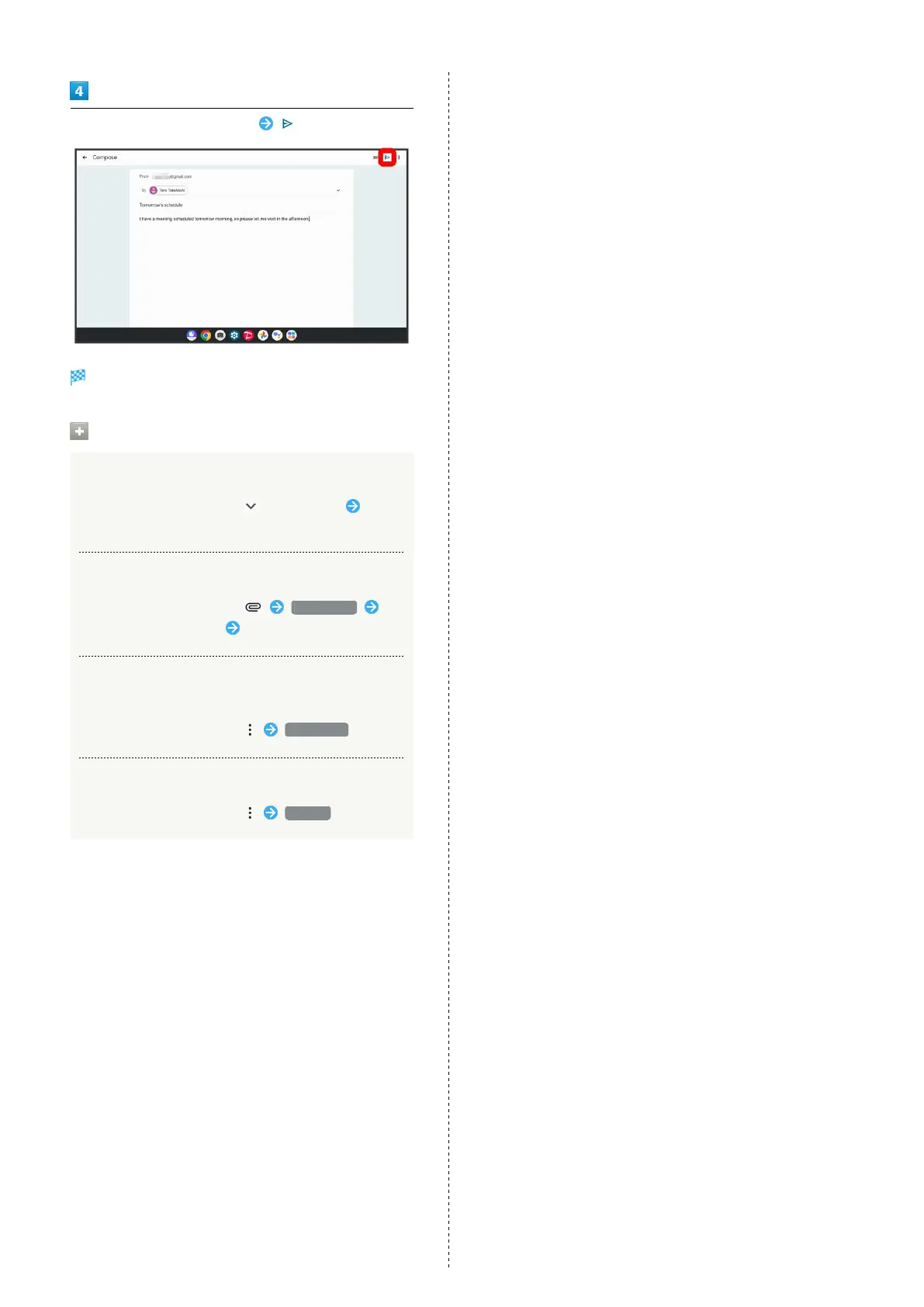
Enter recipient/subject/mail text
Mail is sent.
Operations when Composing Mail
Adding Cc/Bcc
In mail composition window, for recipient Enter
recipient
Attaching Files
In mail composition window, Attach file
Select where file is saved Select file to attach
Save Mail Being Composed as a Draft (Send
Later)
In mail composition window, Save draft
Delete Mail Being Composed
In mail composition window, Discard



 To Next Page