56
Updating Applications
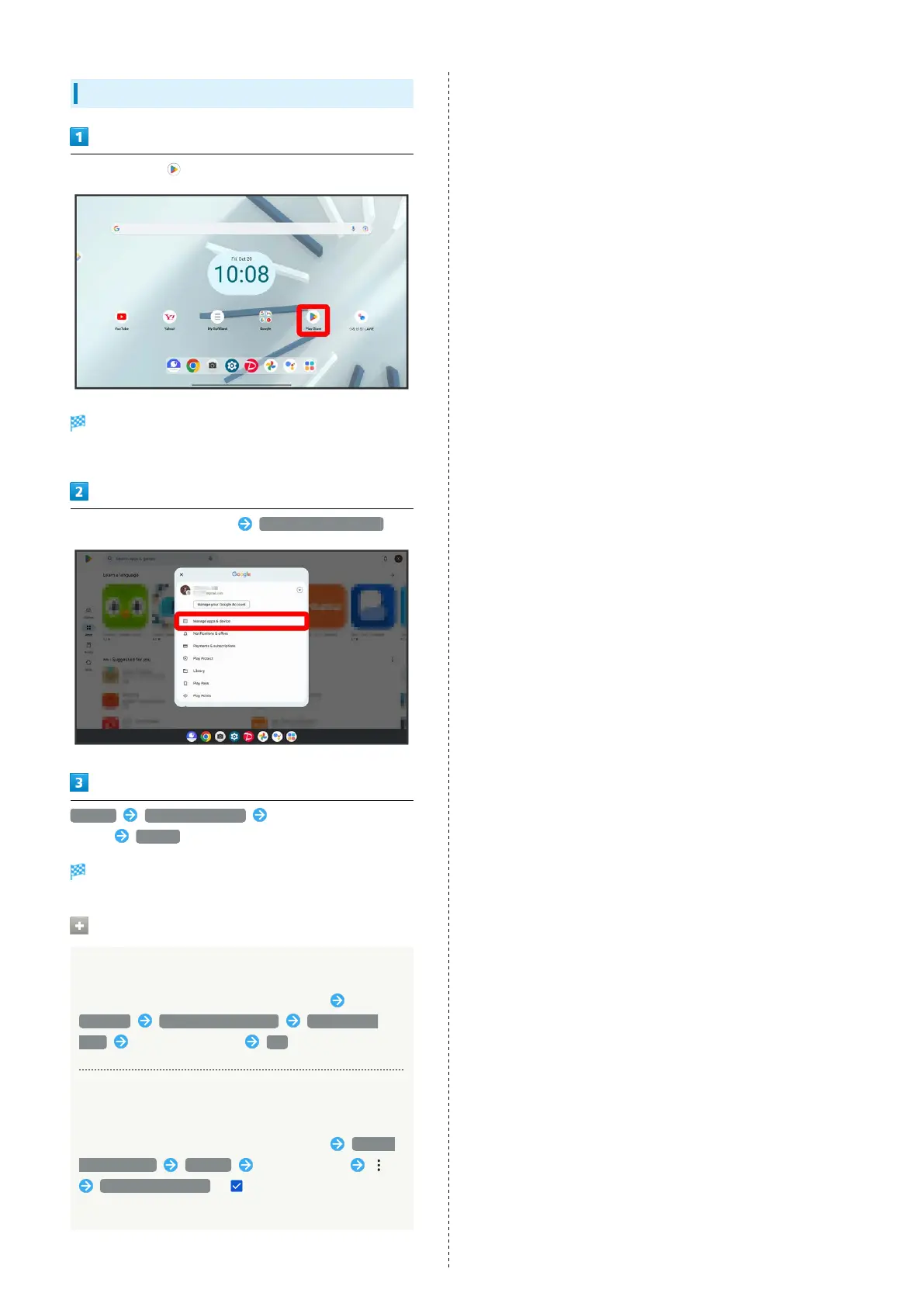
In Home Screen, (Play Store)
Google Play appears.
・If confirmation appears, follow onscreen instructions.
Tap account icon at top right Manage apps & device
Manage Updates available Tap application to
update Update
The application is downloaded and installed.
Setting Application Updates
Setting Automatic Application Updates
In Google Play, Tap account icon at top right
Settings Network preferences Auto-update
apps Set update method OK
Setting Automatic Updates for Individual
Applications
In Google Play, Tap account icon at top right Manage
apps & device Manage Tap application
Enable auto update ( )
・Automatic updates are unavailable for some applications.



 To Next Page