78
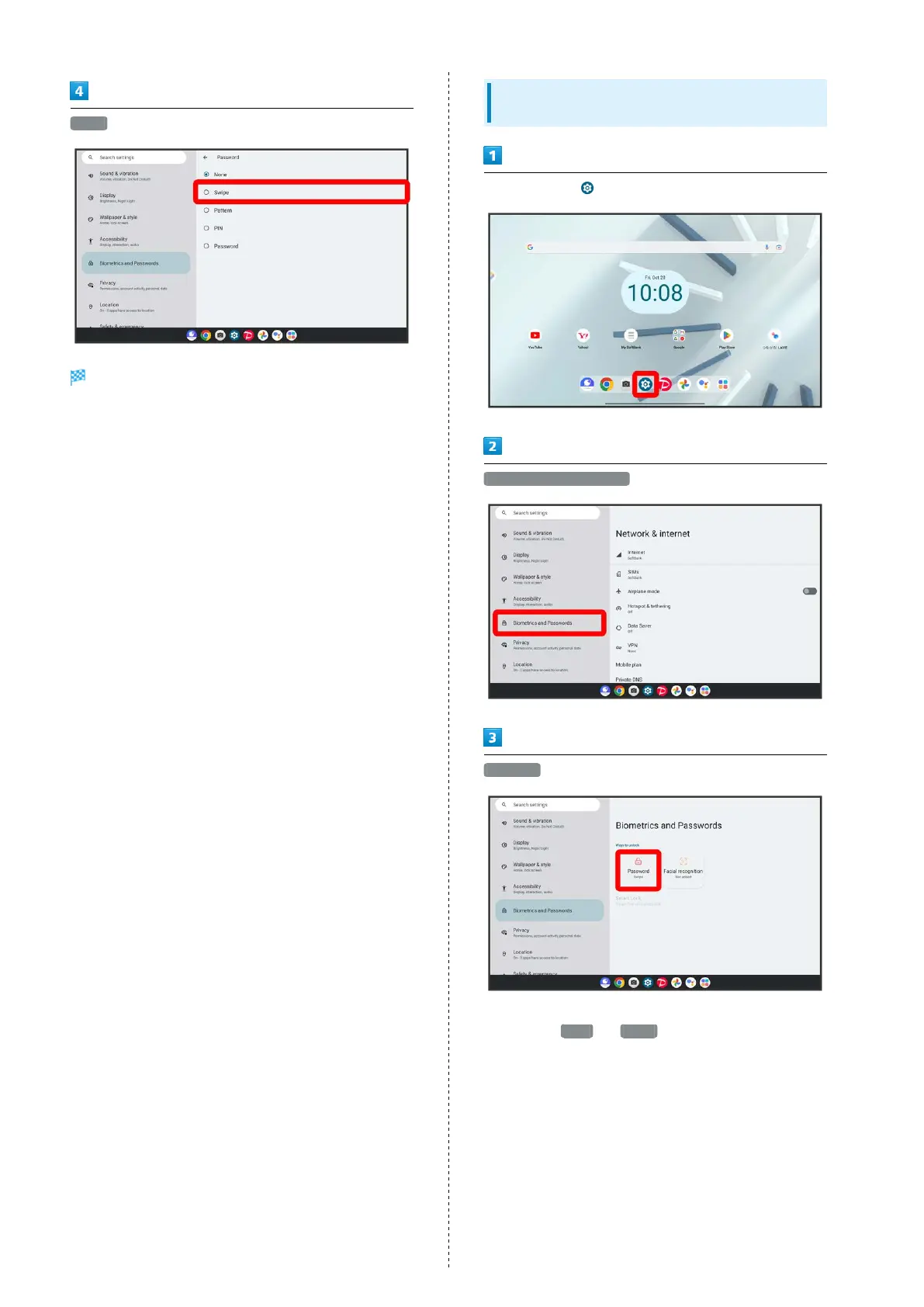
Swipe
Setting is complete.
・If confirmation appears, follow onscreen prompts.
Setting Screen to Unlock by Tracing
Pattern
In Home Screen, (Settings)
Biometrics and Passwords
Password
・If method for unlocking screen before change is setting
other than None or Swipe , first unlock screen.



 To Next Page