83
Tablet Settings
Lenovo TAB7
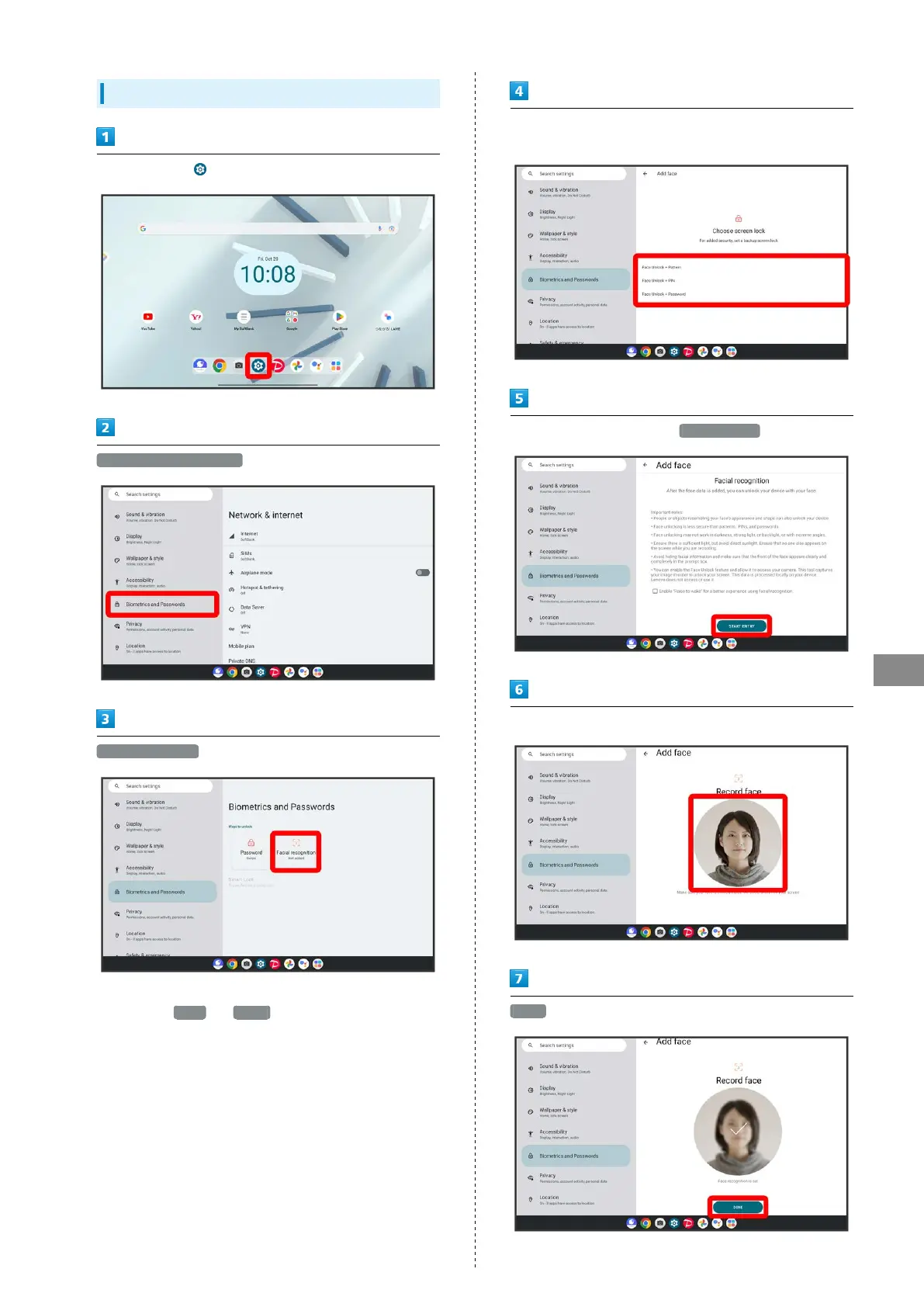
Using Facial recognition
In Home Screen, (Settings)
Biometrics and Passwords
Facial recognition
・If method for unlocking screen before change is setting
other than None or Swipe , first unlock screen.
Follow onscreen prompts and set pattern/PIN/password for
unlocking screen
Check the "Important notes", START ENTRY
Align face from the front with onscreen circle
DONE
・If confirmation appears, follow onscreen prompts.



 To Next Page