85
Tablet Settings
Lenovo TAB7
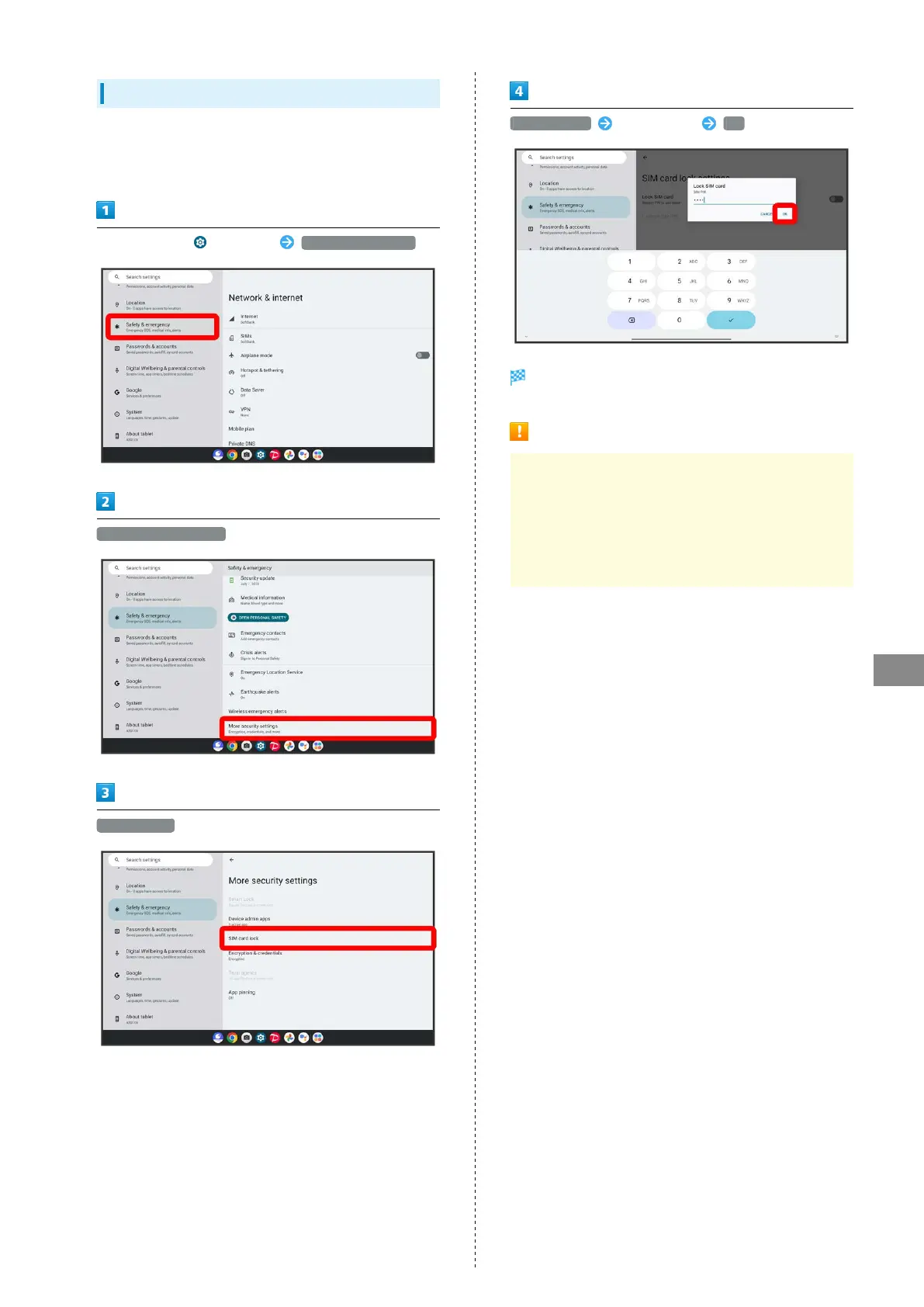
Enabling USIM PIN
When SIM PIN is enabled, a window for entering PIN appears
to allow tablet use each time tablet is powered on with USIM
Card installed.
In Home Screen, (Settings) Safety & emergency
More security settings
SIM card lock
Lock SIM card Enter SIM PIN OK
PIN is enabled.
SIM PIN Cautions
Entering incorrect SIM PIN three consecutive times
activates PIN Lock. To cancel, Personal Unblocking Key
(PUK) is required; contact Customer Service. Entering
incorrect PUK ten consecutive times locks USIM Card,
disabling tablet. For recovery, USIM Card must be reissued
at a SoftBank (fees apply).



 To Next Page