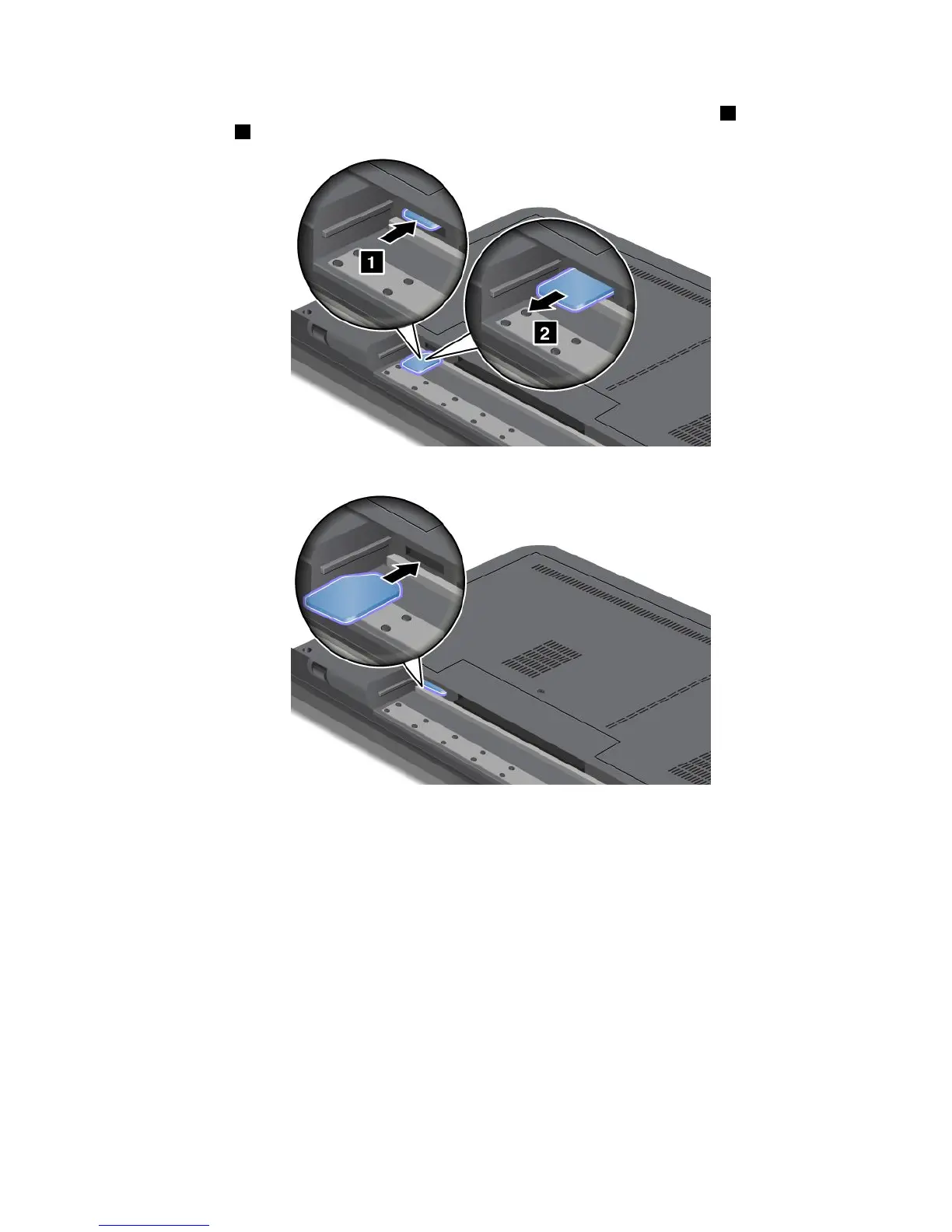
4.FindtheSIMcardslotinsidetheopenbatterycompartment.Gentlypushthecard1toremoveit
fromtheslot2.
5.InsertthenewSIMcardrmlyintotheslotuntilitsnapsintoposition.
6.Reinstallthebattery.Formoreinformationabouthowtoreinstallthebattery,referto“Replacingthe
battery”onpage67.
7.Turnthecomputeroveragain.Connecttheacpoweradapterandcablestothecomputer;thenturniton.
Chapter6.Replacingdevices89













 To Next Page