Note:Ifyoureplacethekeyboard,anewkeyboardisshippedwiththedefaultcap.Ifyouwish,youcan
keepthecapfromyouroldkeyboardanduseitonthenewone.
Usingthetouchpad
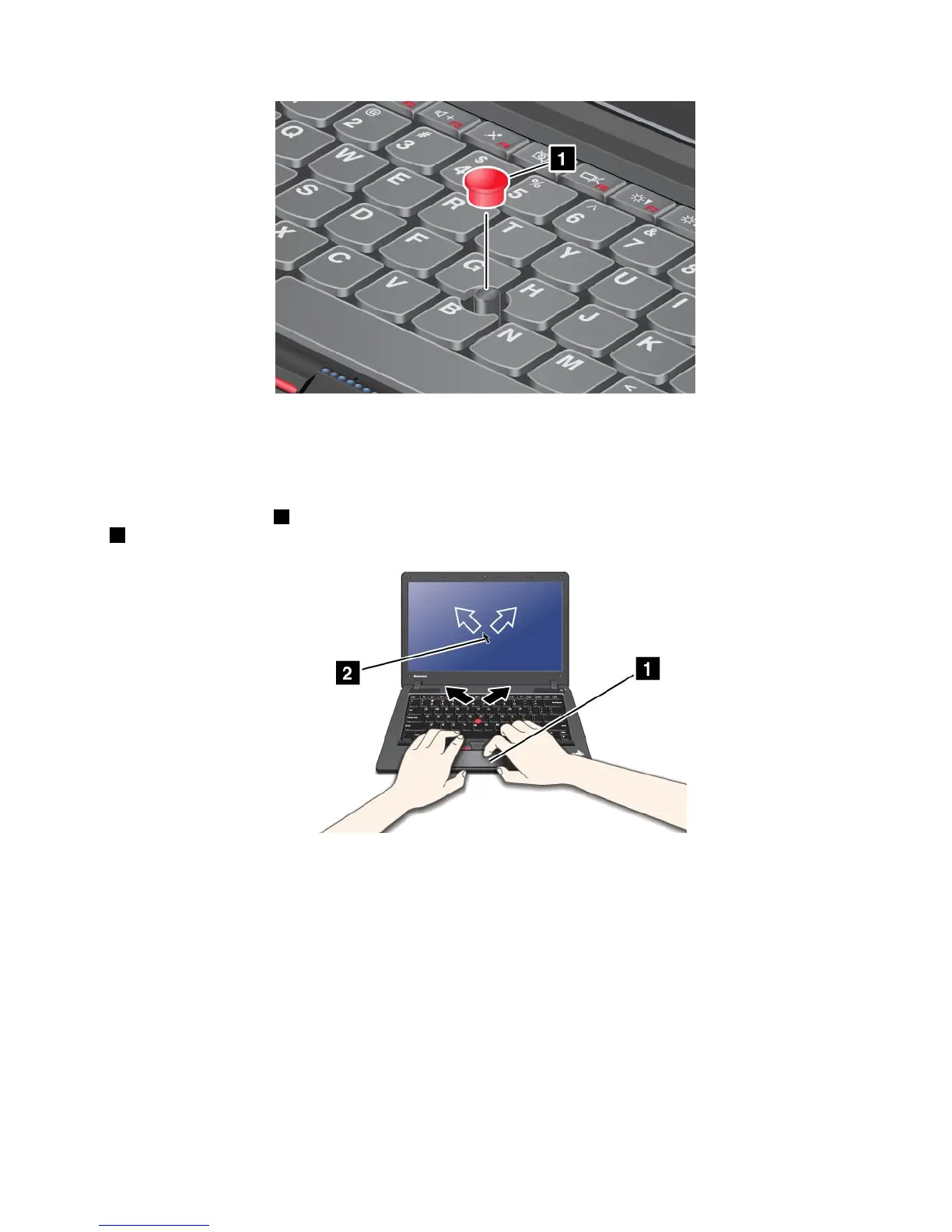
Thetouchpadisapad1belowtheTrackPointbuttonsatthebottomofthekeyboard.Tomovethepointer
2onthescreen,slideyourngertipoverthepadinthedirectioninwhichyouwantthepointertomove.
Note:Yourcomputerkeyboardmaylookslightlydifferentfromtheillustrationabove.
Usingthemulti-touchtouchpad
Thetouchpadofyourcomputersupportsmulti-touchwithwhichyoucanzoomin,zoomout,scrollorrotate
onthescreenwhilebrowsingtheInternetorreadingoreditingadocument.
Fordetails,refertotheHelpinUltraNav.
Customizingthetouchpad
Tocustomizethetouchpad,doasfollows:
ForWindows7:
1.ClickStart,andthenclickControlPanel.
Chapter2.Usingyourcomputer25













 To Next Page