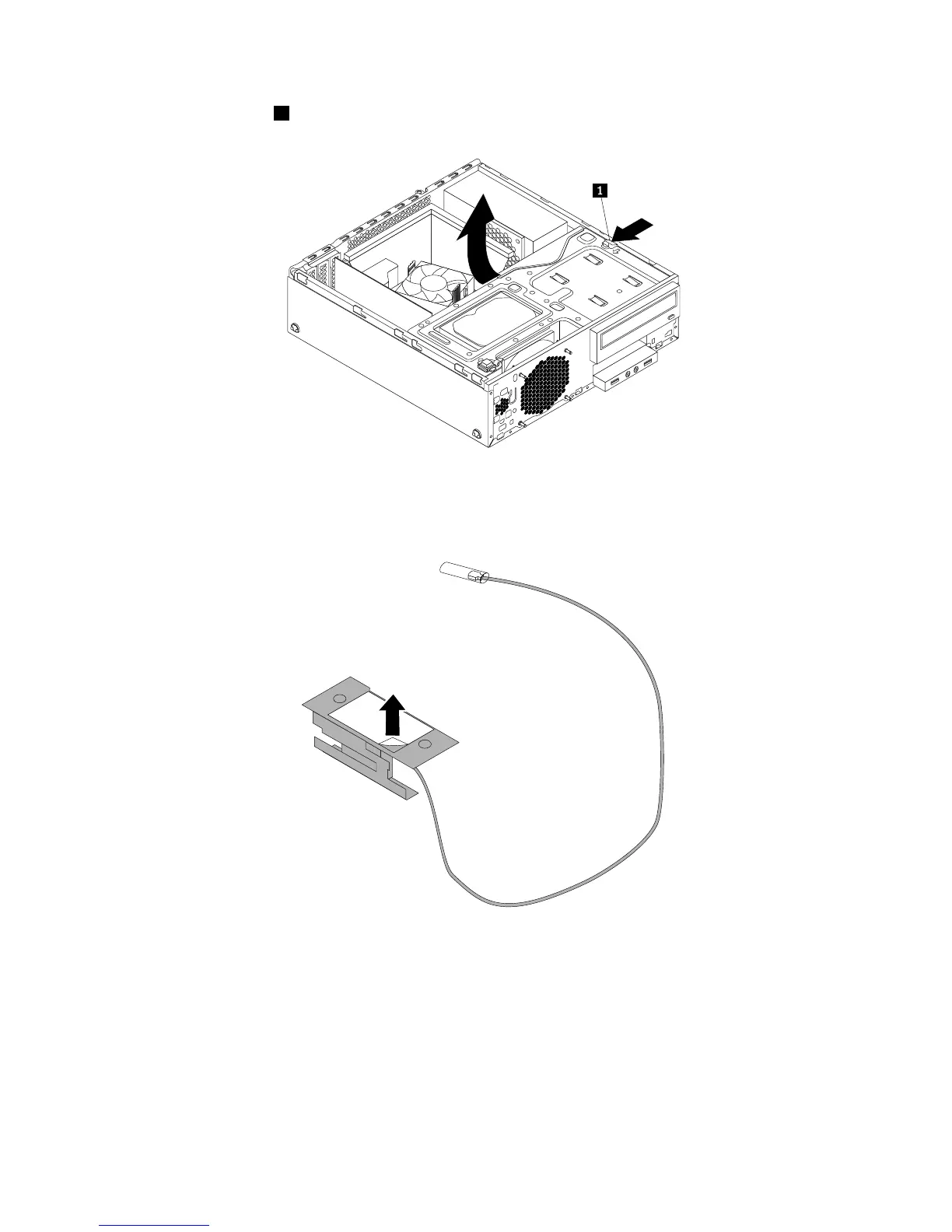
4.Pressthereleasetab1asshownandpivotthedrivebayassemblyupward.
Figure99.Pivotingthedrivebayassemblyupward
5.Peeloffthepaperthatprotectsthestickeronthefrontantenna.
Figure100.Peelingoffthepaperthatprotectsthesticker
6.Stickthefrontantennatothefrontpanelasshown.Theninsertthefrontantennacablethroughthe
holeinthefrontpanel.
90ThinkStationE32UserGuide











 To Next Page