LENVII
12 www.lenvii.net
Chapter 1 Connection and Basic Settings
Introduction
The LENVII barcode scanner supports three connection methods.
Please follow the appropriate connection procedure to connect the
barcode scanner.
Unpacking
To open the product packaging, perform the following steps:
•
Remove the scanner and its accessories and inspect for damage
during shipment.
•
Make sure the items in the carton match your order.
•
If there are any damaged or missing parts, please contact your
supplier for after-sales service
Device Connection
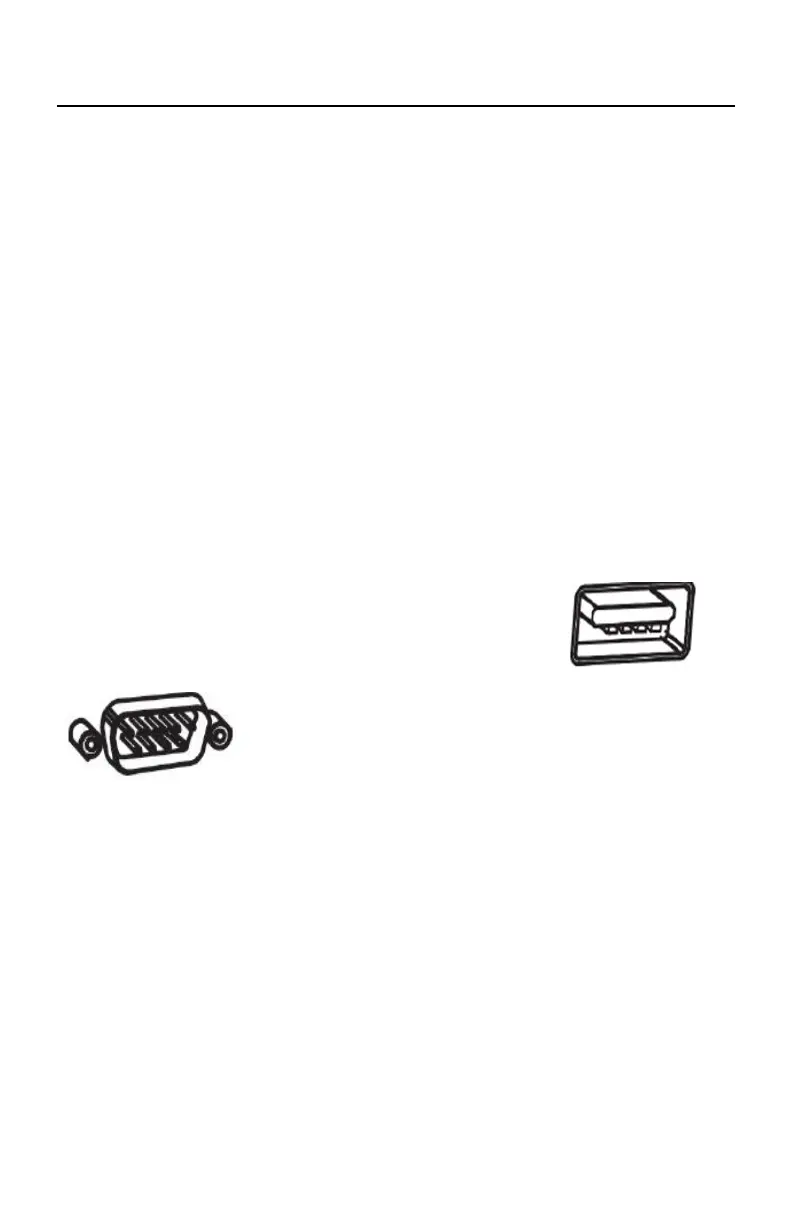
The interface above the host is shown below:
USB USB interface on the host
RS232 RS232 interface on the host



 To Next Page