LENVII
32 www.lenvii.net
Clear Prefixes or Suffixes
You can clear a single prefix or suffix, or clear all prefixes/suffixes for a
symbology. If you have been entering prefixes and suffixes for single sym-
bologies, you can use Clear One Prefix (Suffix) to delete a specific char-
acter from a symbology. When you Clear All Prefixes (Suffixes), all the
prefixes or suffixes for a symbology are deleted.
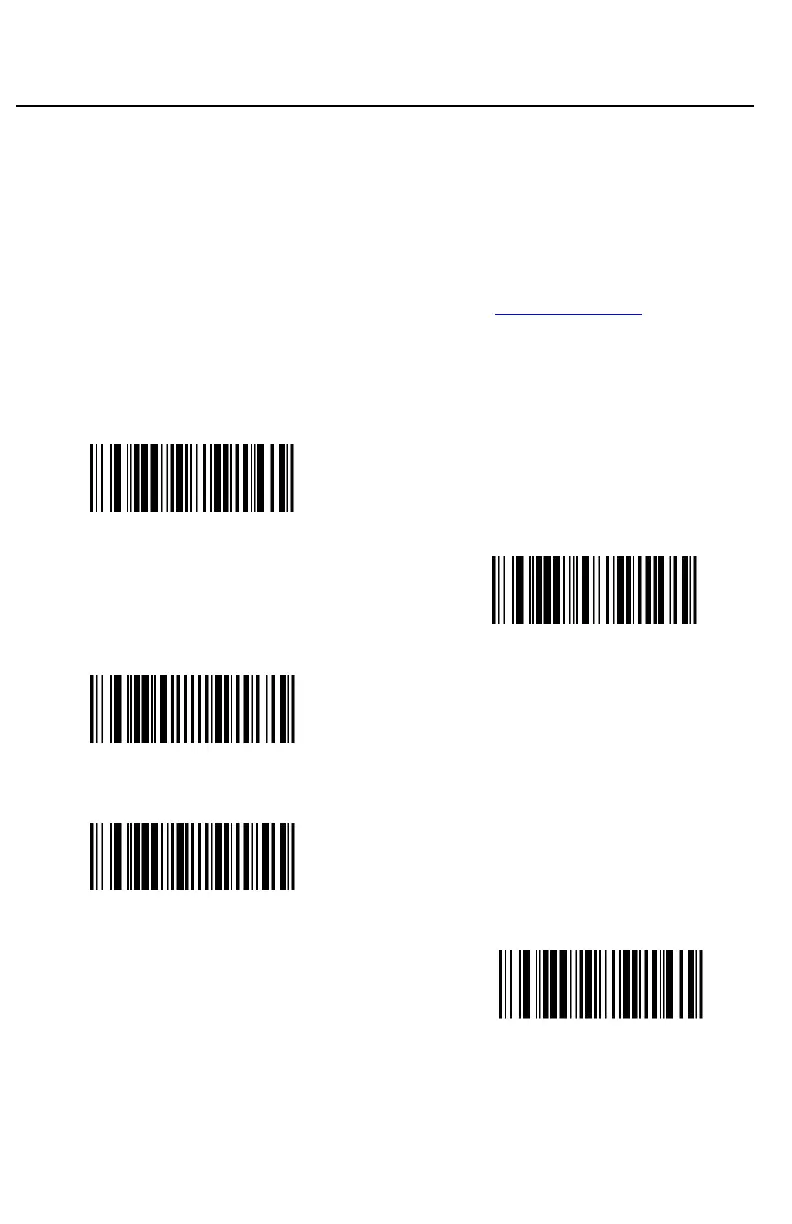
Step 1. Scan the Clear One Prefix or Clear One Suffix symbol.
Step 2. Determine the 2 digit Hex value from the Symbology Charts for
the symbology from which you want to clear the prefix or suffix.
Step 3. Scan the 2 digit hex value from the Programming Chart inside the
back cover of this manual or scan 9, 9 for all symbologies.
Step 4. Scan the Save symbol.
(889004.)
Clear One Prefix
(888004.)
Clear One Suffix
(800002.)
Save
Prefix Selections
(889002.)
Add Prefix
(889004.)
Clear One Prefix



 To Next Page