LENVII
34 www.lenvii.net
Function Code Transmit
When this selection is enabled and function codes are contained within
the scanned data, the scanner transmits the function code to the terminal.
Default = Disable.
(8080070.)
*
Disable
Intermessage Delay
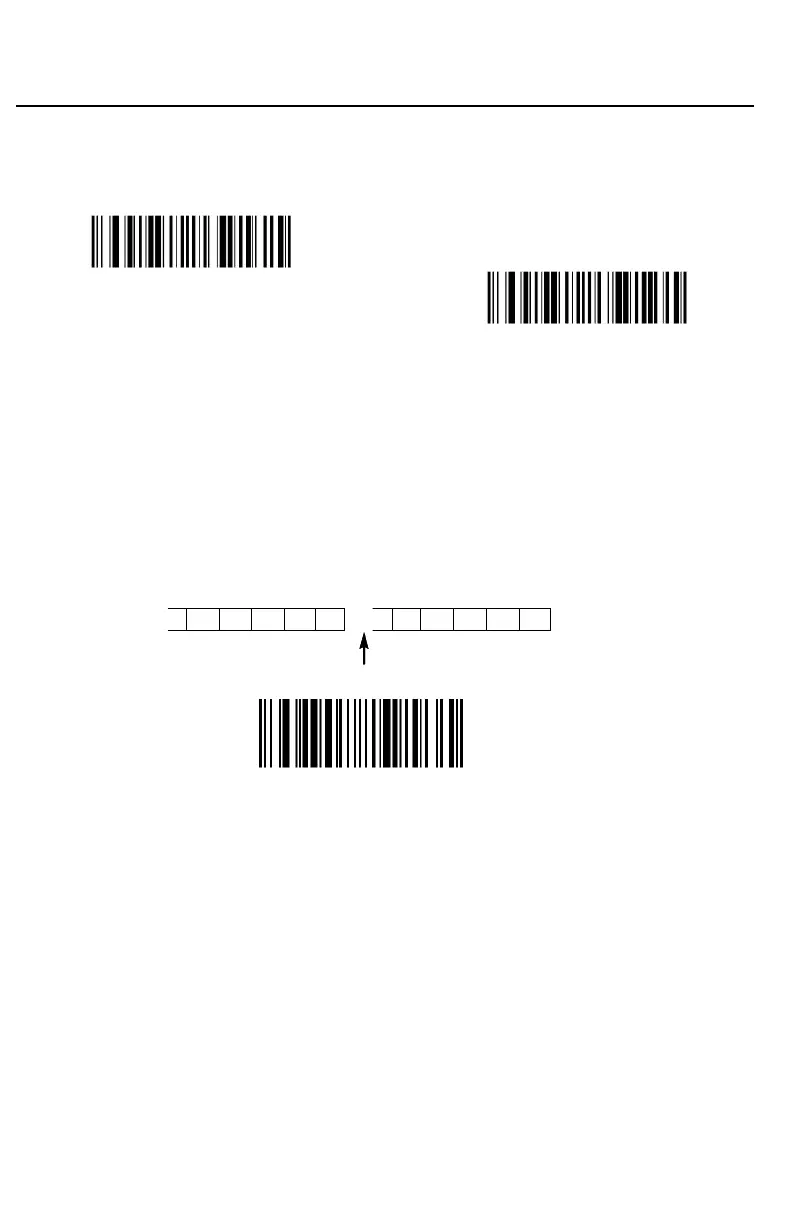
An intermessage delay of up to 5000 milliseconds (in 5ms increments)
may be placed between each scan transmission. Scan the Intermessage
Delay barcode below, then scan the number of 5ms delays, and the Save
barcode using the Programming Chart inside the back cover of this man-
ual.
1st Scan Transmission 2nd Scan Transmission
Intermessage Delay
(851004.)
Intermessage Delay
To remove this delay, scan the Intermessage Delay barcode, then set the
number of delays to 0. Scan the Save barcode using the Programming
Chart inside the back cover of this manual.
Example: set a bar code Intermessage Delay of 100ms:
First scan "
Intermessage Delay
", then scan "2" "0" from the Programming
Chart (100 / 5 = 20), then scan "save" barcode.



 To Next Page