LENVII
29 www.lenvii.net
Example
Add a Suffix to a specific symbology
To send a CR (carriage return)Suffix for code 128. only:
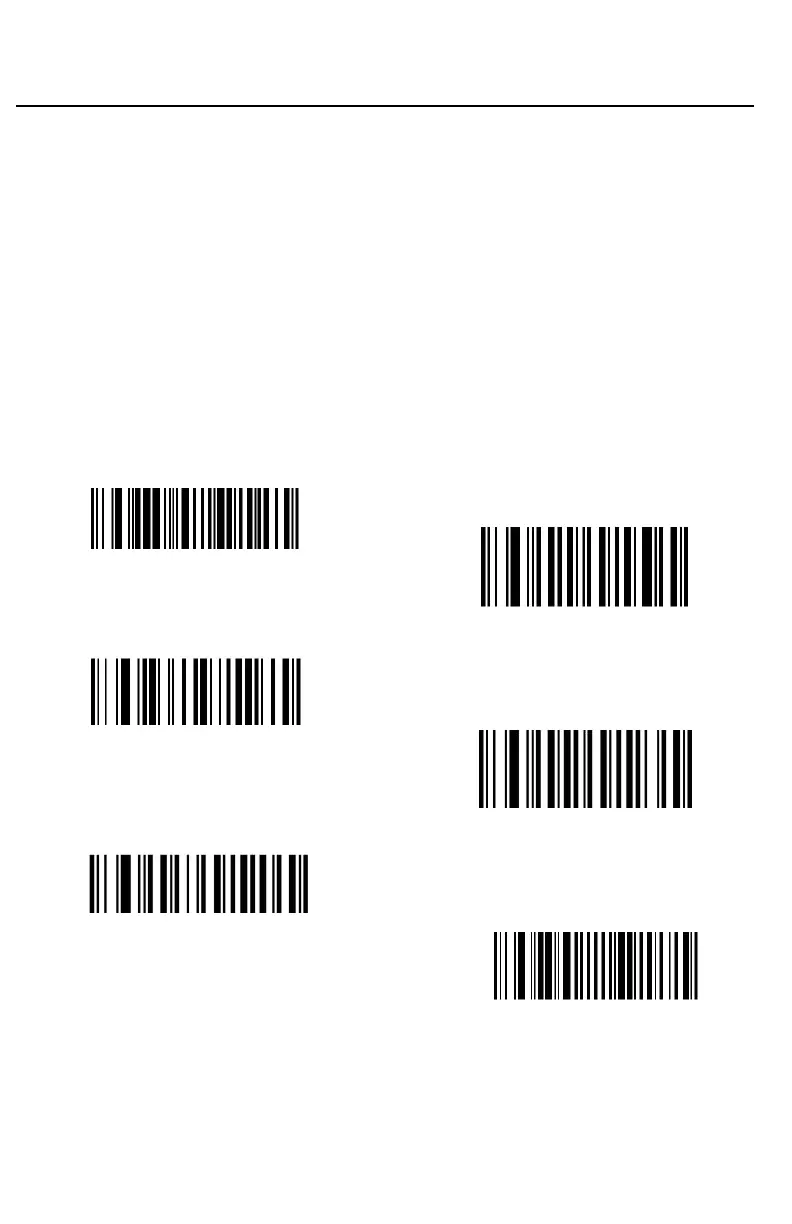
Step 1. Scan Add Suffix.
Step 2. Determine the 2 digit hex value from the Symbology Charts for
code 128.
Step 3. Scan 6, 3 from the Programming Chart inside the back cover of this
manual.
Step 4. Determine the hex value from the ASCII Conversion Chart , for
the CR (carriage return).
Step 5. Scan 0, D from the Programming Chart inside the back cover of this
manual.
Step 6. Scan Save, or scan Discard to exit without saving.
(K6K.)
6
(K0K.)
0
(800002.)
Save



 To Next Page