Function library
Infrared data transmission (IrDA)
8
l
65
LDEDS−CCU210B EN 4.0
8.7 Infrared data transmission (IrDA)
Via the IrDA interface you parameterise the vehicle control system. Additionally you can
query status information and operate the vehicle control system in manual operation.
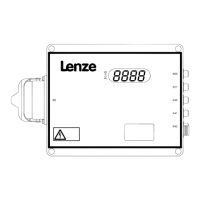
The IrDA eye is on the control system on the left next to the 7−segment display. Details on
the operation of the software surfaces can be found in the corresponding Manuals.
) Note!
How to ensure the correct data transmission:
ƒ The general IrDA guidelines from the "Physical Layer Specification Version
1.4" IrDA standard must be observed!
ƒ The files 82S8219V_XX.pdb and 82S8219V_XX.pfa must be saved on the
PDA in the \SD card\DFT−Projects\ directory.
ƒ The infrared windows of the PDA and the vehicle control system have to be
aligned with each other.
ƒ The distance should be as small as possible.
ƒ There must be no other nodes between the vehicle control system and PDA
within a 60° field of view!
ƒ Flash lamps, laser scanners or other light sources can interfere the IrDA
transmission!
Codes for parameter setting
Code Possible settings Description
No. ñò < Byte Lenze Selection
C0126 RW EXT 4 0
Configuration of IrDA error
monitoring
^ 65
0 Off
1 Error
2 Warning


 To Next Page