Software installation
The following are steps for the software installation.
STEP 1
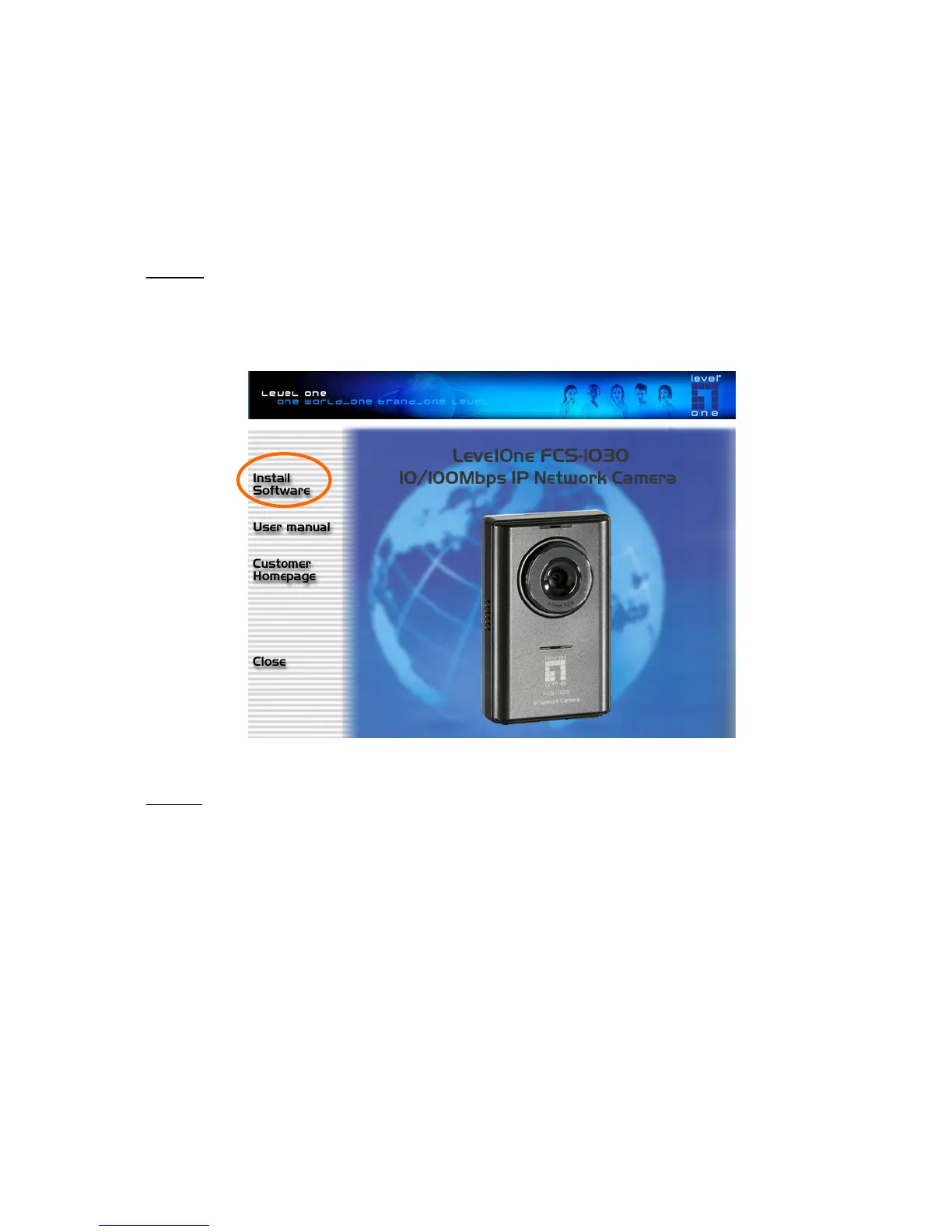
Put the Installation disk into the CD-ROM drive, and the installation
should start automatically. If the installation does not start, click on “Start”
on the lower left corner of your screen, open “My Computer” and double click
on the CD-ROM icon. The Installation Wizard Installation Window will appear.
STEP 2 There are links on this page, including Install Software, User’s Manual
and Customer Homepage. Click on “Install Software” to enter Install
Software page.



 To Next Page