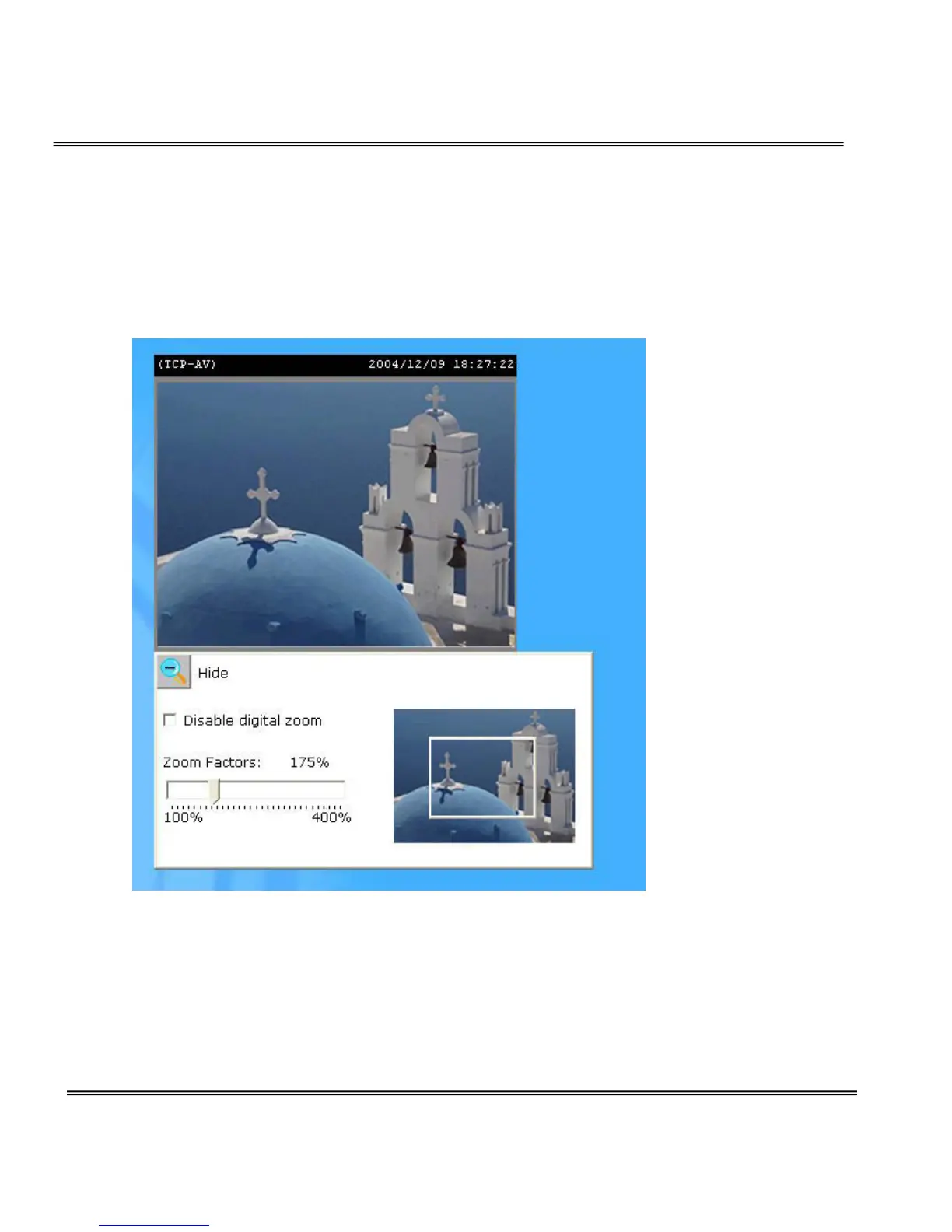
Digital Zoom
Click on the magnifier icon under the camera view then the digital zoom
control panel will be shown. Uncheck “Disable digital zoom” and use the
slider control to change the zoom factors.
Snapshot
Click on “Snapshot”, web browser will pop up a new window to show the
snapshot. Users can point at the snapshot and click the right button of mouse
to save it.



 To Next Page