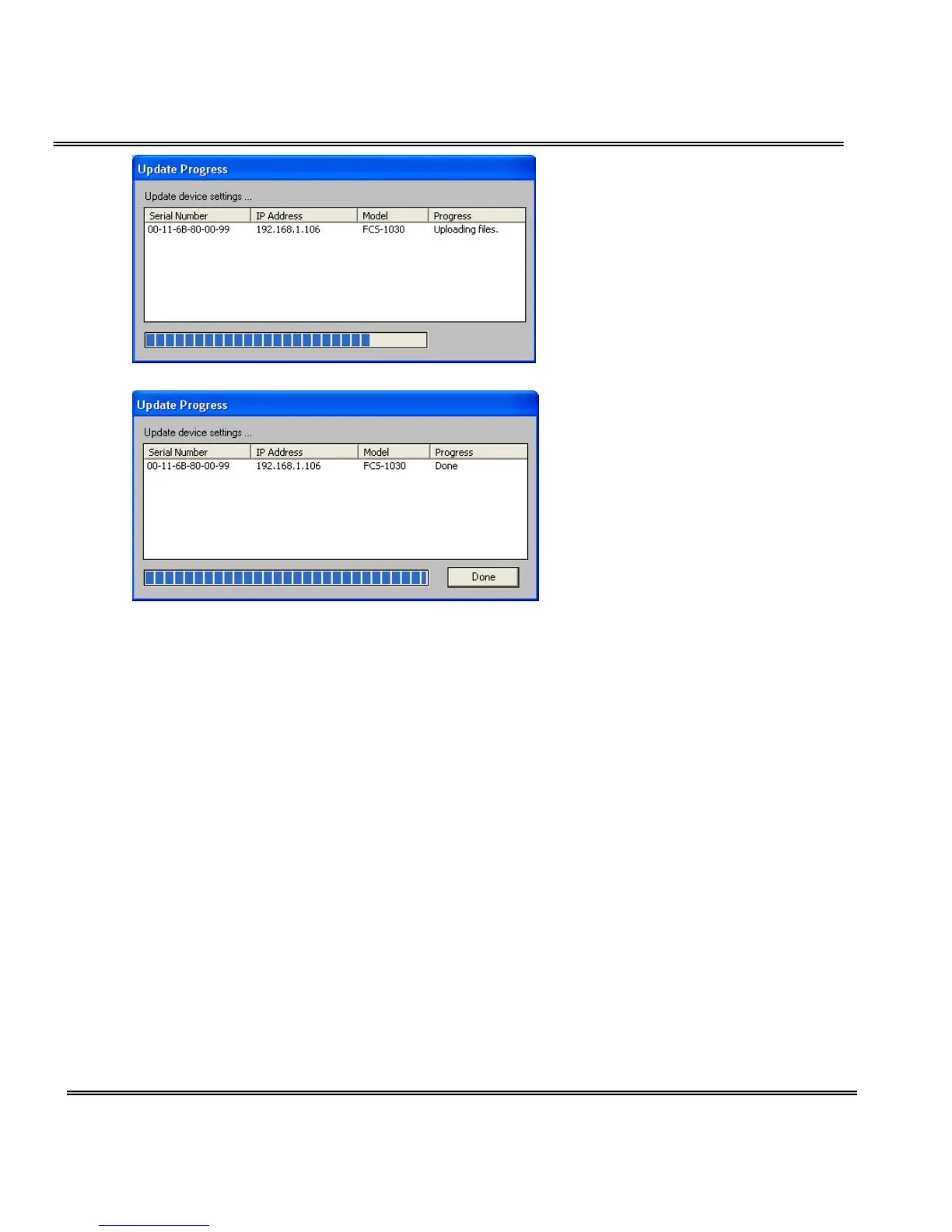
After the upgrade process is done. Click “Done” to finish.
How to Use
Authentication
After opening the Web browser and typing in the URL of the Network Camera,
a dialogue window pops up to request a username and password. Upon
successful authentication, the following figure is displayed.
The foreground is the login window and the background shows the message if
authentication fails. The user may check the option box to save the password
for future convenience. This option is not available to the Administrator for
obvious reason.
After successful linkage, the authentication window should pop up.
The default user name is root.
The default password is the MAC address of your own FCS-1030, which marks



 To Next Page