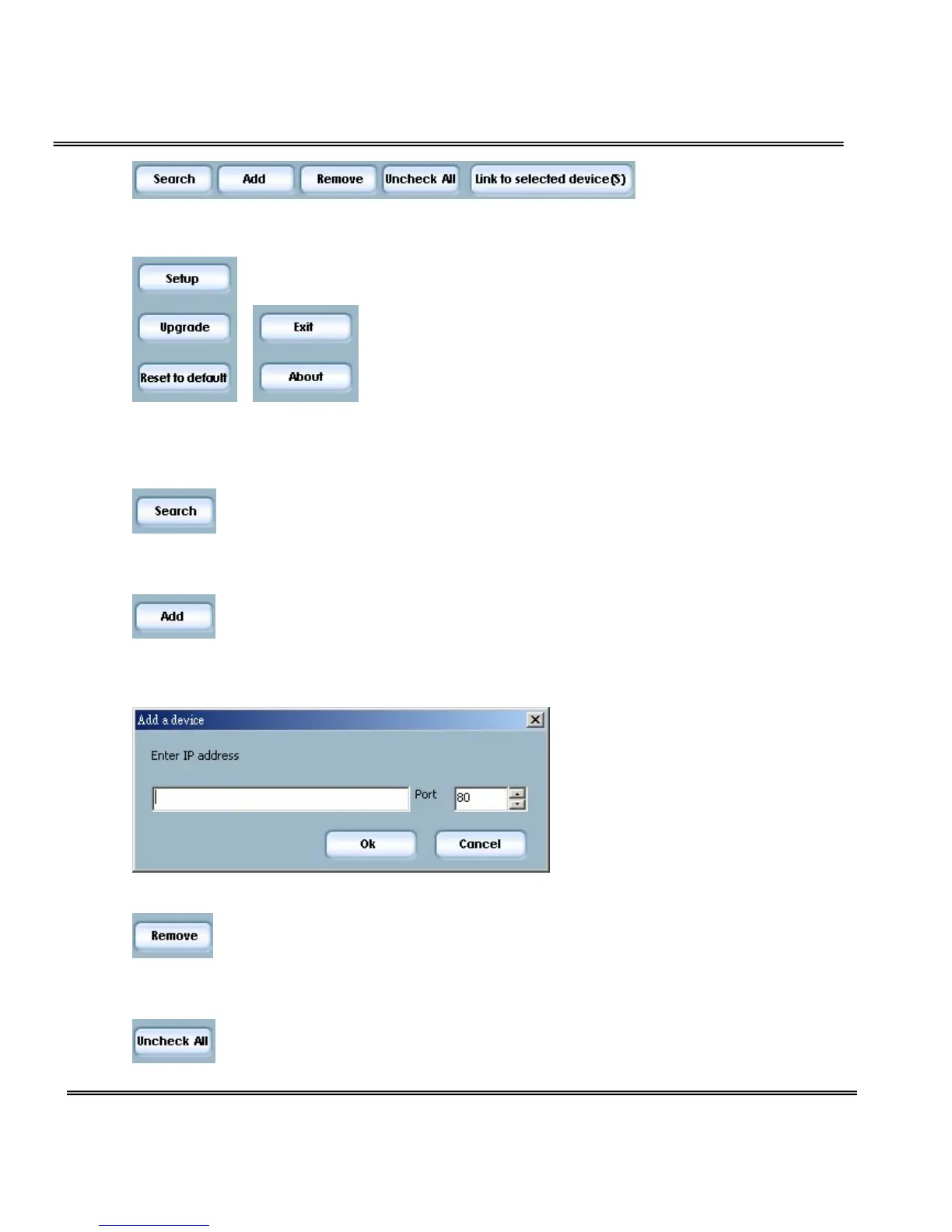
Action buttons
Click on this button to clean up the device list and search all
devices on the within the same subnet again. It will take about 5
seconds.
To setup or upgrade the devices which can not be found by
Installation Wizard, please click on this button to add them
manually. Click on this button will popup a dialog. You can input the IP
address and click on Ok to add the device into the device list.
Click on this button will remove all the selected devices from the
device list. The devices that you remove might be show up again if
you click the search button or add them into list manually.
While you selected several devices, this button allows you to
uncheck all the selected devices by one click instead of uncheck



 To Next Page