Using Installation Wizard
User Interface
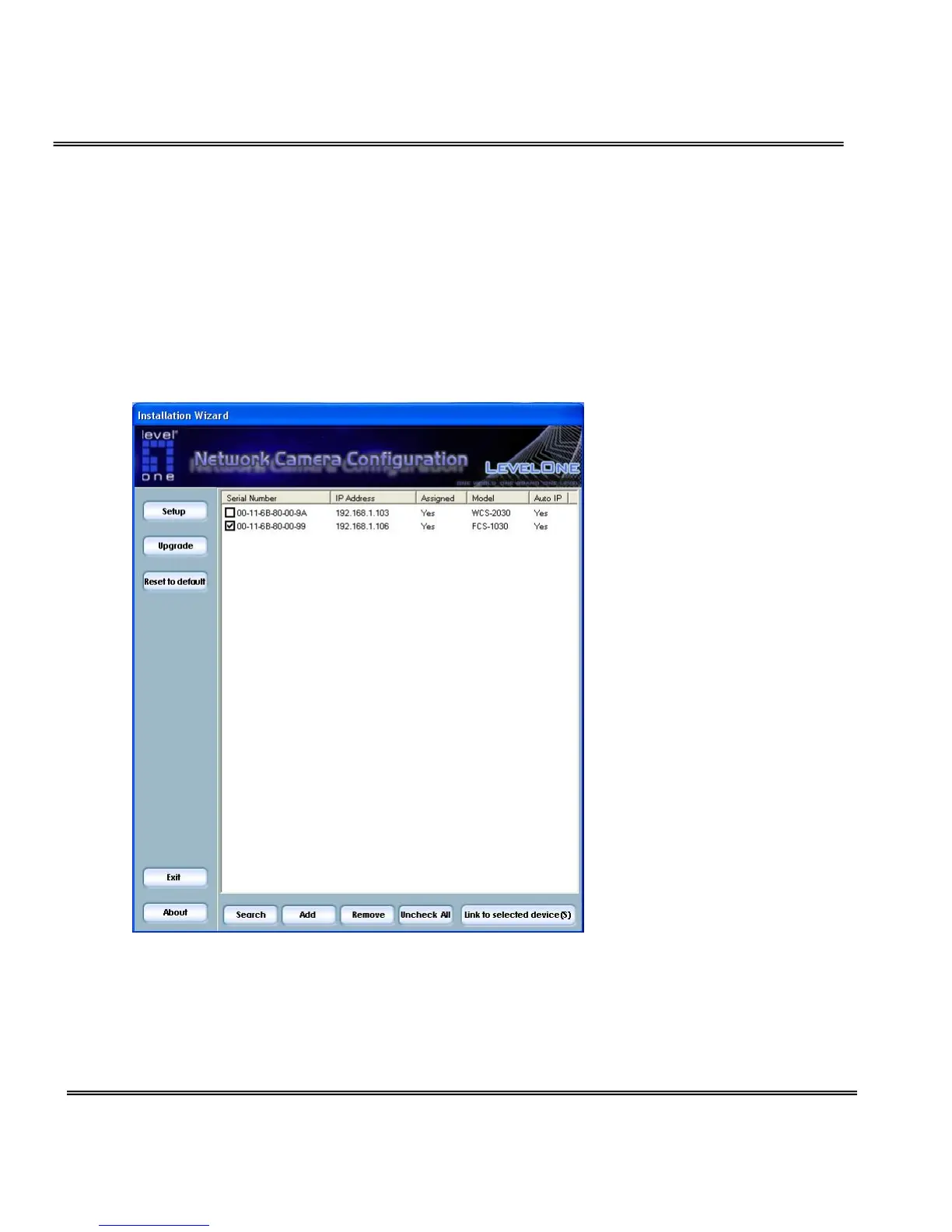
Once you run the Installation Wizard, you will see the user interface. You can
click on the device list to select a device. The three buttons (Setup, Upgrade,
and Reset to default) won’t be enabled until you select at least one device.
Installation wizard allows you to setup or upgrade multiple devices (of the
same model) at the same time. If you selected different models, then the
buttons will be disabled. There are five buttons on the bottom of the main
page, and five buttons on the left panel of the main page.



 To Next Page