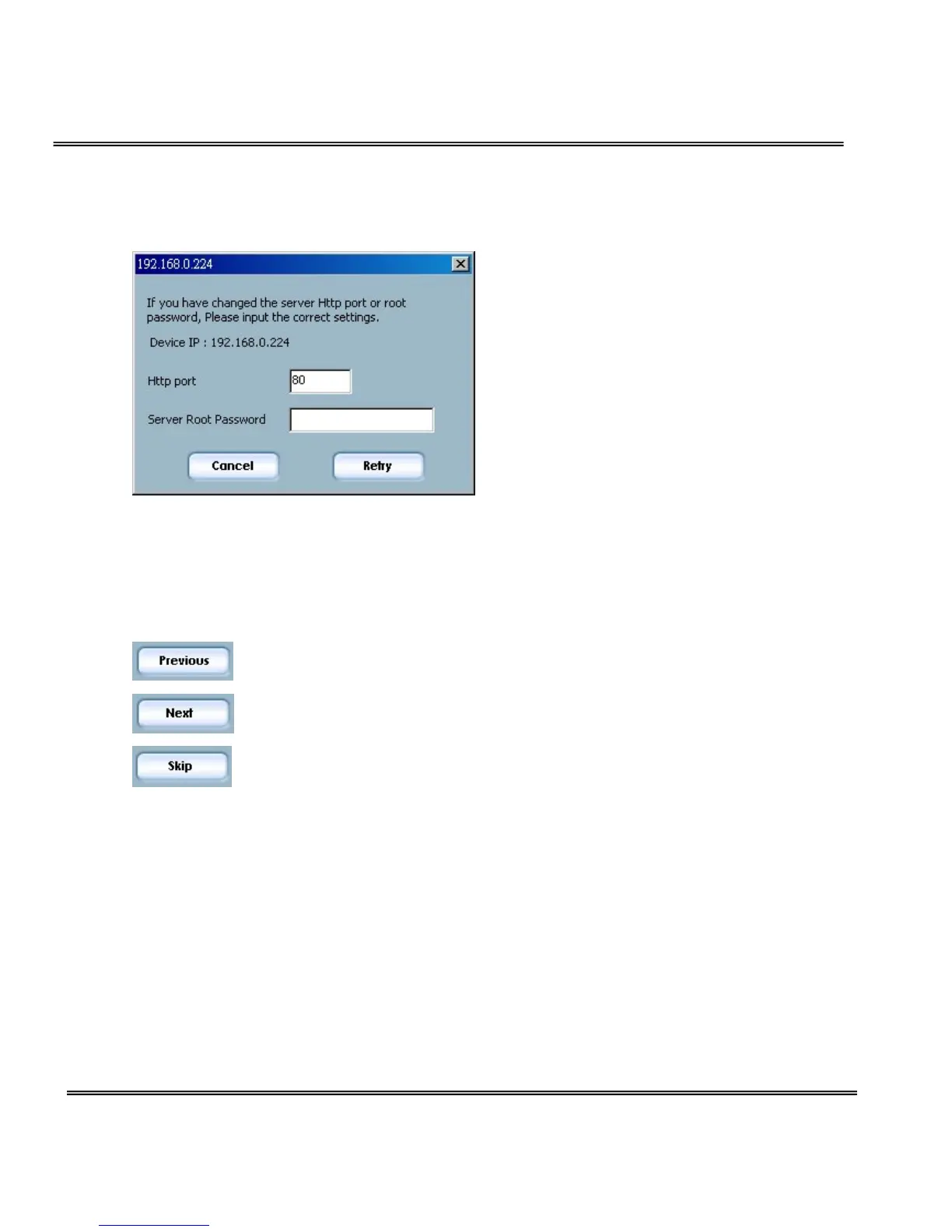
at the bottom label of each device.
Please enter the MAC address with capital letters.
System Setting
After connected to the selected device(s), it will switch to system setting
page.
Click on this button to back to the previous page or main page
Click on this button to keep the settings and go to the next page.
Click on this button to discard the settings of the current page and
go to the next page.
Change root password
To change the administrator’s password, type the new password in both root
password and confirm password text boxes identically. What is typed will be
displayed as asterisks for security purposes. The maximum password is 14
characters.



 To Next Page