hour.
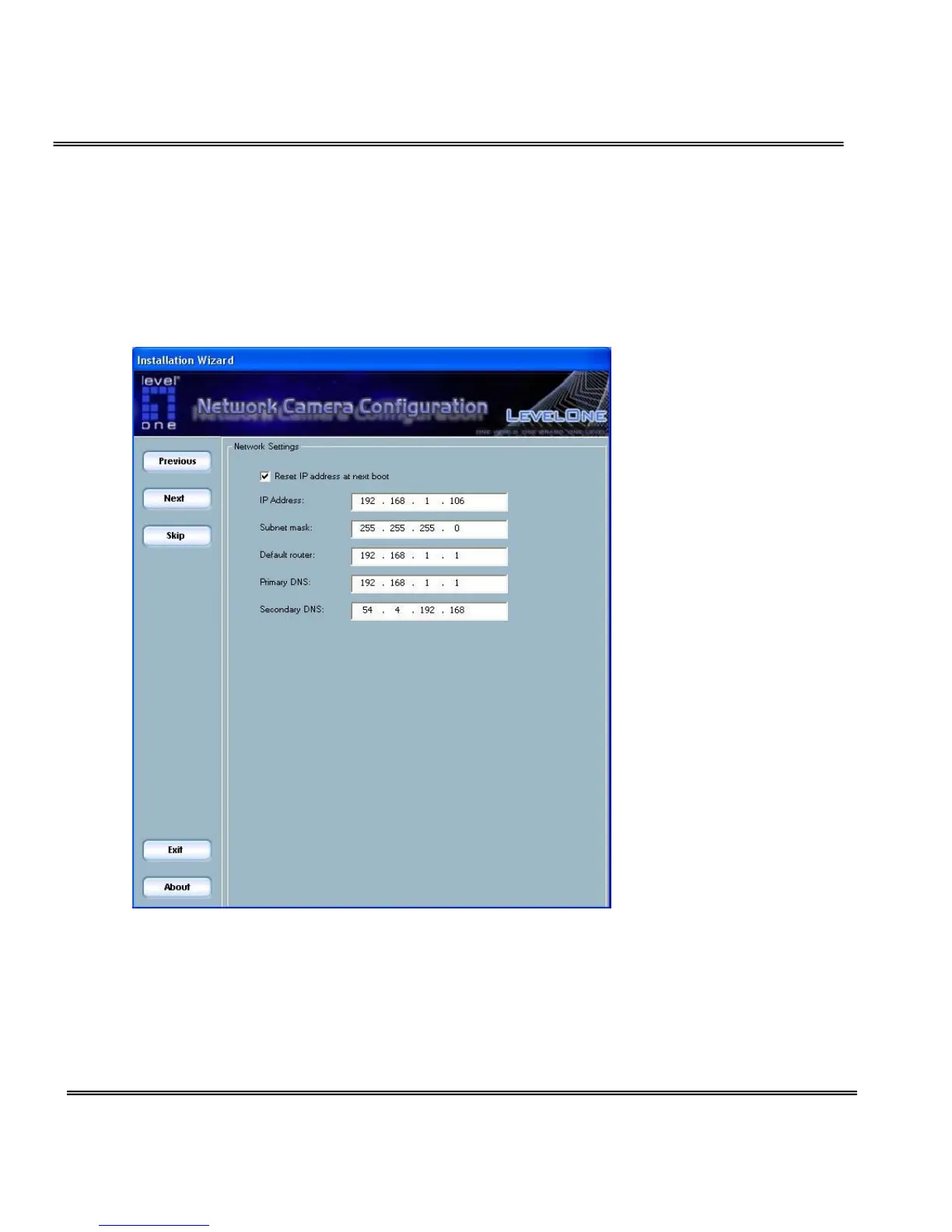
Network Setting
In this page, you can change the server’s IP address, subnet mask, default
router, primary dns, and secondary dns.
Fix the IP address
Check "Reset IP address at next boot" will force Network Camera to reconfigure
its IP address whenever it reboot. If you want the Network Camera to use a
fixed IP, please uncheck the "Reset IP address at next boot" and assign a valid IP



 To Next Page