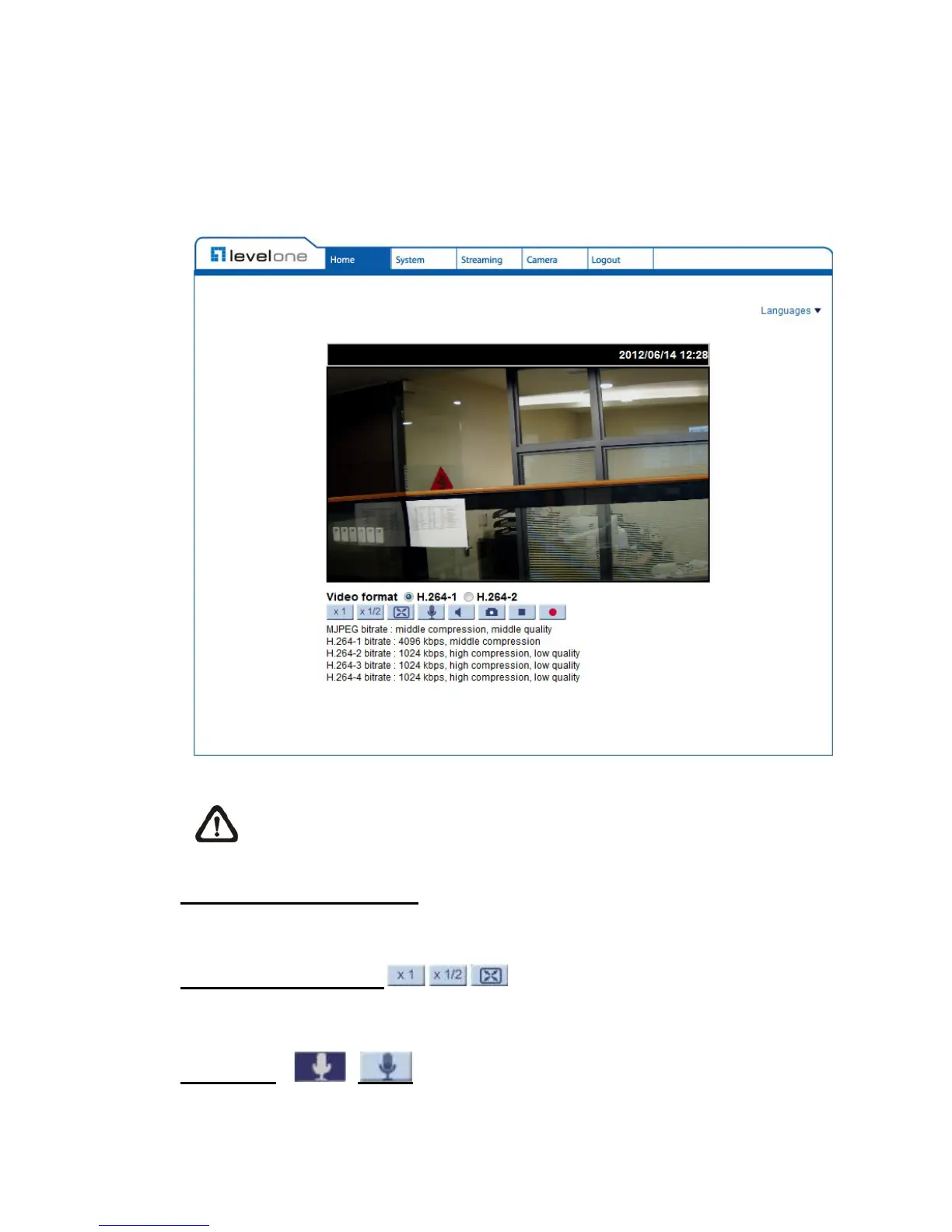
6.2 Home Page
Click on the tab <Home> to access the Home Page. There are several
function buttons on the Home page. Detailed information of each item is as
described in the following chapter.
NOTE: Please note that the function buttons will vary depending on
the camera model.
Multiple Languages Support
Multiple languages are support for the viewer window interface..
Screen Size Adjustment
Image display size can be adjusted to x1/2 and full screen.
Talk button
(on/off)
Talk function allows the local site to talk to the remote site. Click on the button to
switch it to on/off. Please refer to Security: Add user > Talk/Listen for further
details. This function is only open to “User” who has been granted this privilege















 To Next Page