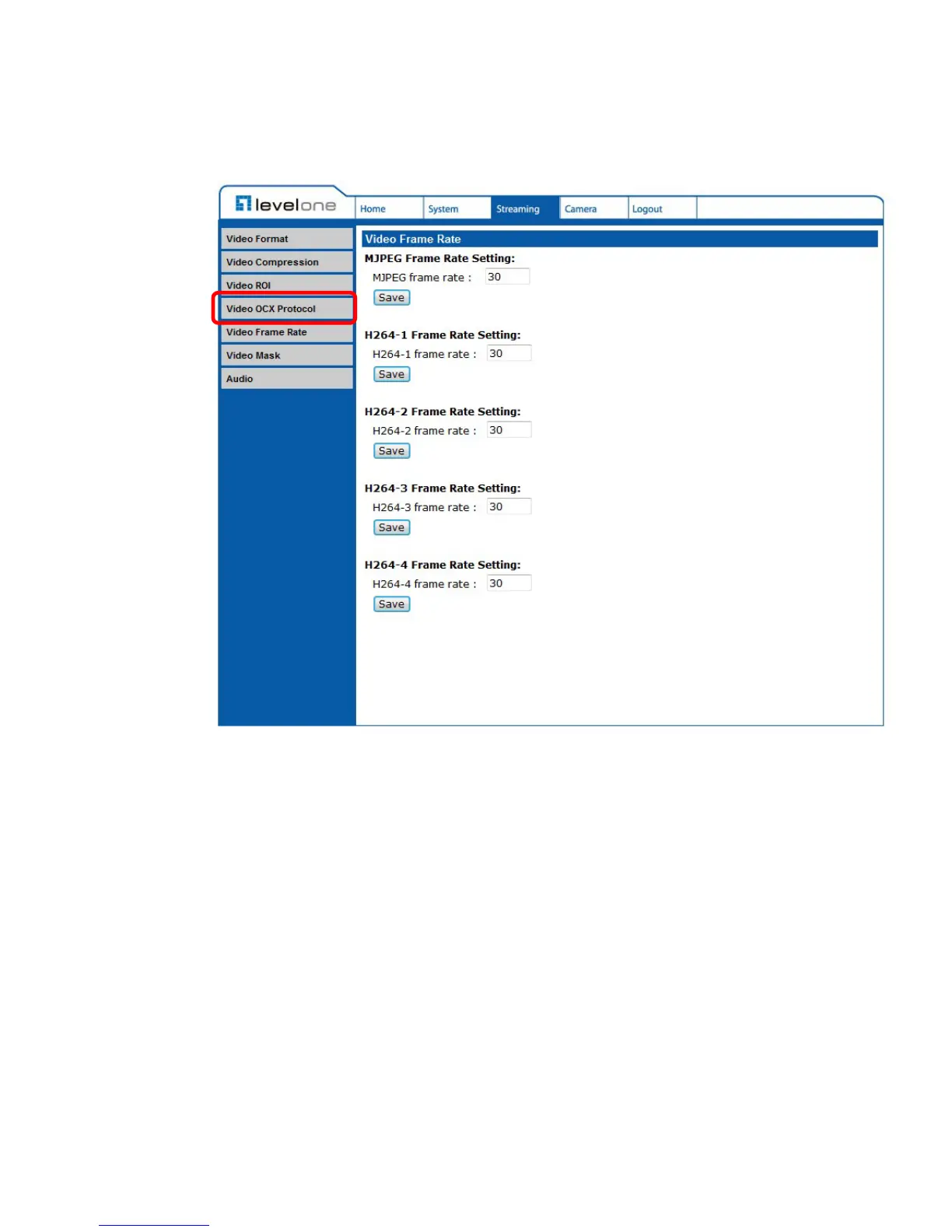
6.4.4 Video OCX Protocol
The Video OCX Protocol setting can be found under this path: Streaming>
Video OCX Protocol.
In the Video OCX protocol setting page, users can select RTP over UDP, RTP
over RTSP (TCP), RTSP over HTTP or MJPEG over HTTP for streaming video
over the network. In the case of multicast networking, users can select the
Multicast mode. Click on <Save> to confirm the setting.
Video OCX protocol setting options include:
RTP over UDP / RTP over RTSP(TCP) / RTSP over HTTP / MJPEG
over HTTP
Multicast Mode
Enter all required data, including <Multicast IP Address>, <Multicast
H.264-1/ H.264-2/ H.264-3/ H.264-4 Video Port>, <Multicast MJPEG
Video Port>, <Multicast Audio Port> and <Multicast TTL> into each blank.















 To Next Page