Mask Setting
Mask color
The selections of Mask color include red, black, white, yellow, green,
blue, cyan, and magenta. Click on <Save> to confirm the setting.
6.4.7 Audio (Audio Mode and Bit Rate Settings)
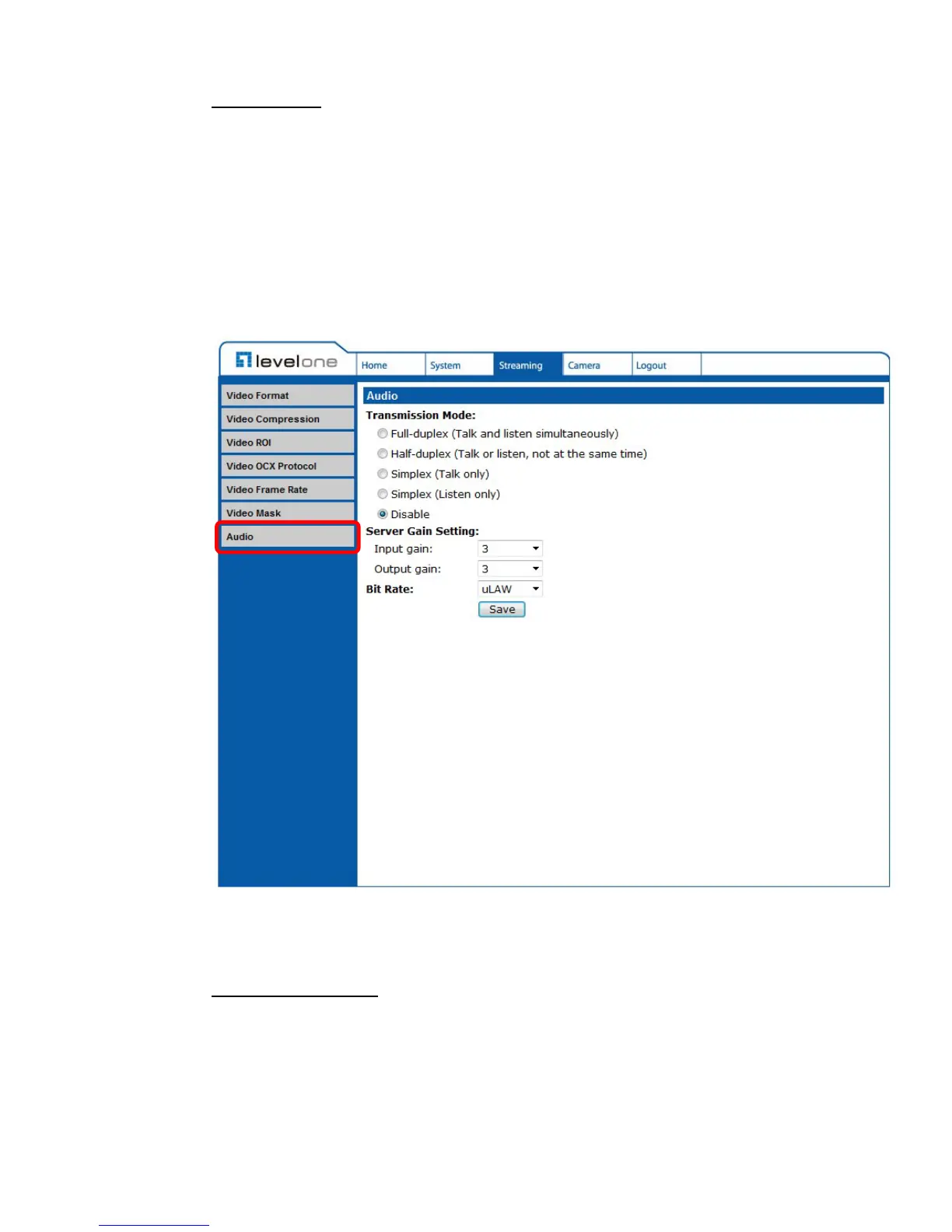
The Audio Mode setting can be found under this path: Streaming> Audio.
In the Audio page, the Administrator can select one transmission mode and
audio bit rate.
Transmission Mode
Full-duplex (Talk and Listen simultaneously)
In the Full-duplex mode, the local and remote sites can communicate
with each other simultaneously, i.e. both sites can speak and be heard at
the same time.















 To Next Page