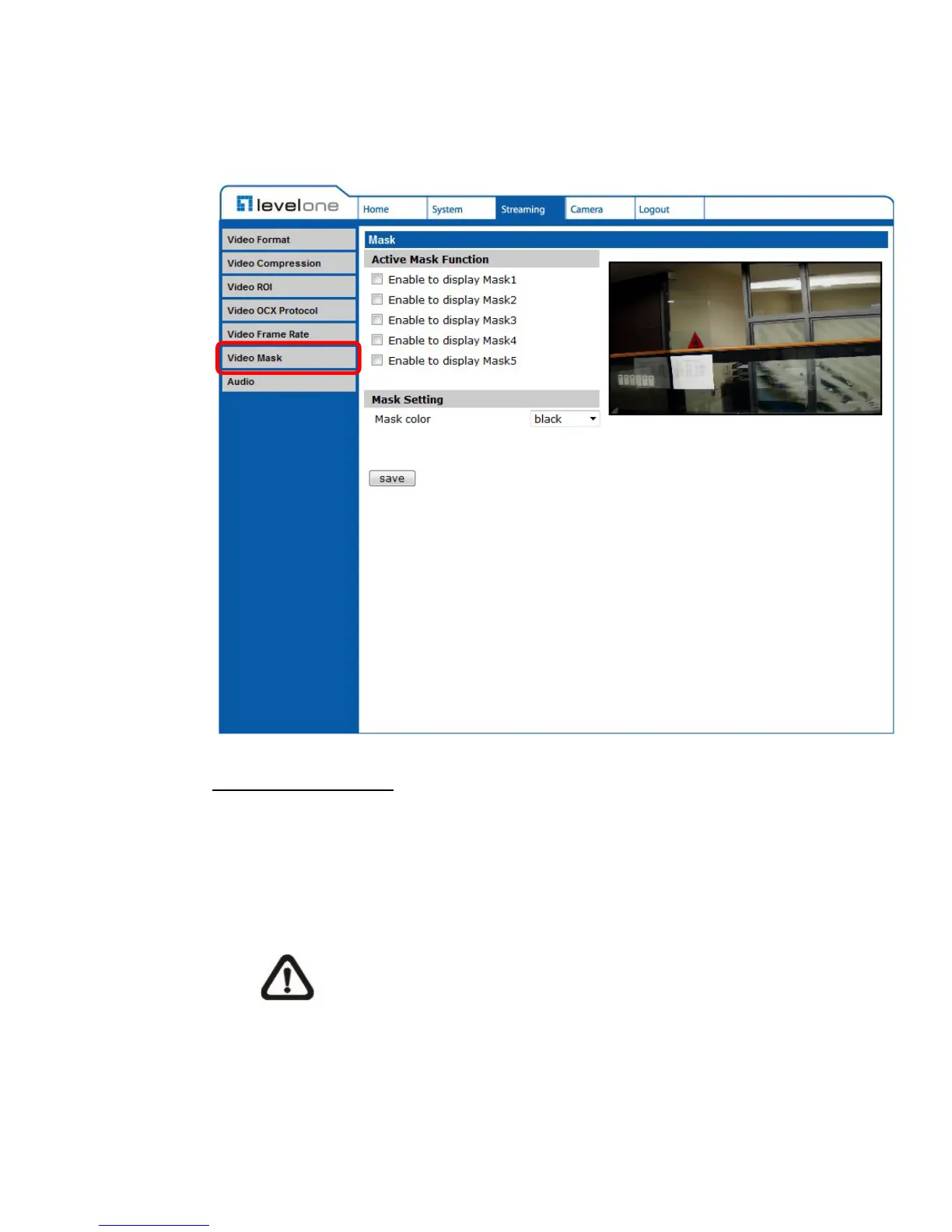
6.4.6 Video Mask
The Video Mask setting can be found under this path: Streaming> Video Mask.
Active Mask Function
Add a Mask
Check a Video Mask checkbox, and a red frame will come out in the Live
Video pane at the right side. Use the mouse to drag and drop to adjust
the mask’s size and place it on the target zone.
NOTE: It is suggested to set the Video Mask twice bigger than
the object.
Cancel a Mask
Uncheck the checkbox of the Video Mask meant to be deleted, and the
selected mask will disappear from the Live Video pane instantly.















 To Next Page