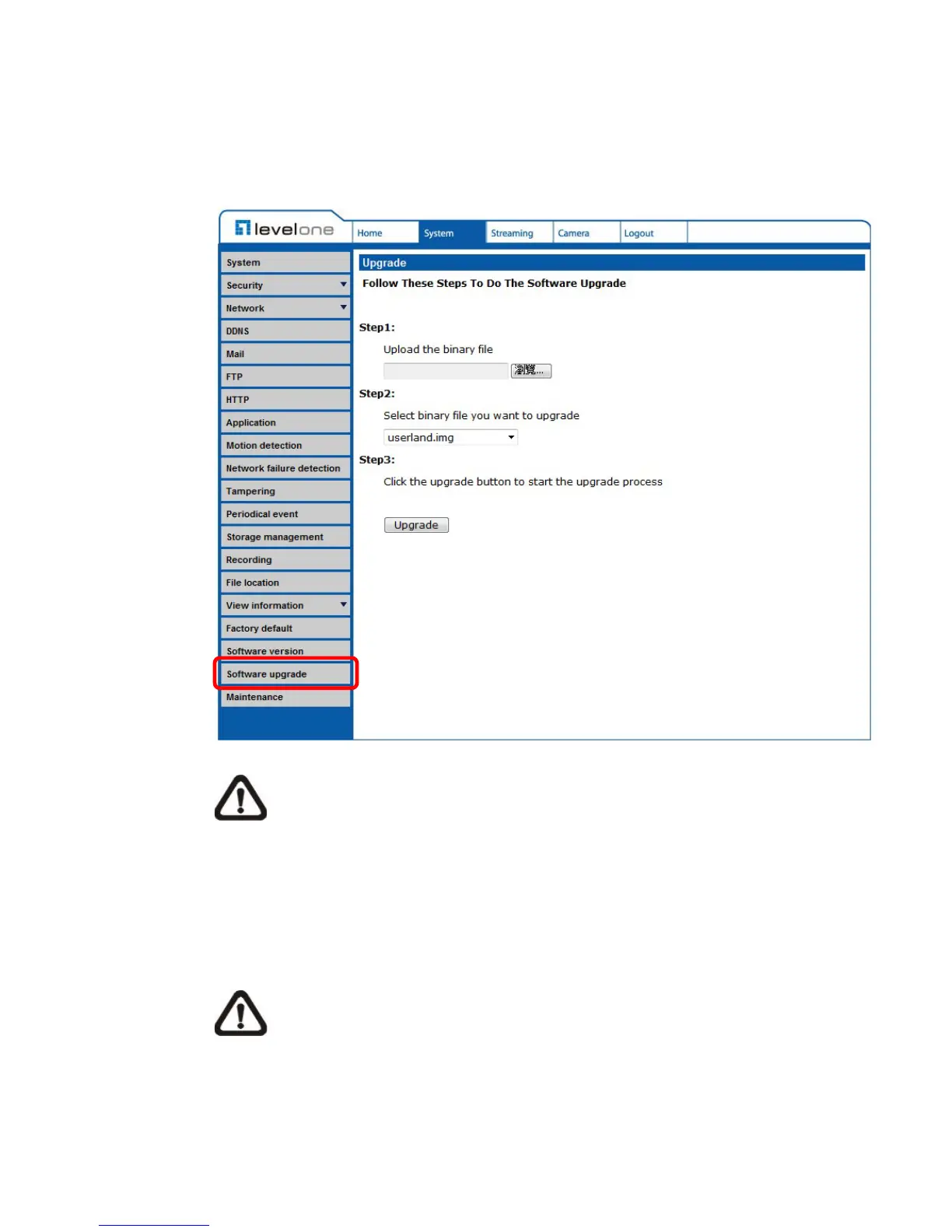
6.3.18 Software Upgrade
The Software Version can be found under this path: System> Software
Upgrade.
NOTE: Make sure the upgrade software file is available before
carrying out software upgrade.
The procedure of software upgrade is as below:
Step 1. Click on “Browse” and select the binary file to be uploaded, ex.
uImage_userland.
NOTE: Do not change the upgrade file name, or the system will fail to
find the file.
Step 2. Pull down the upgrade binary file list and select the file
“uImage+userland.img”















 To Next Page