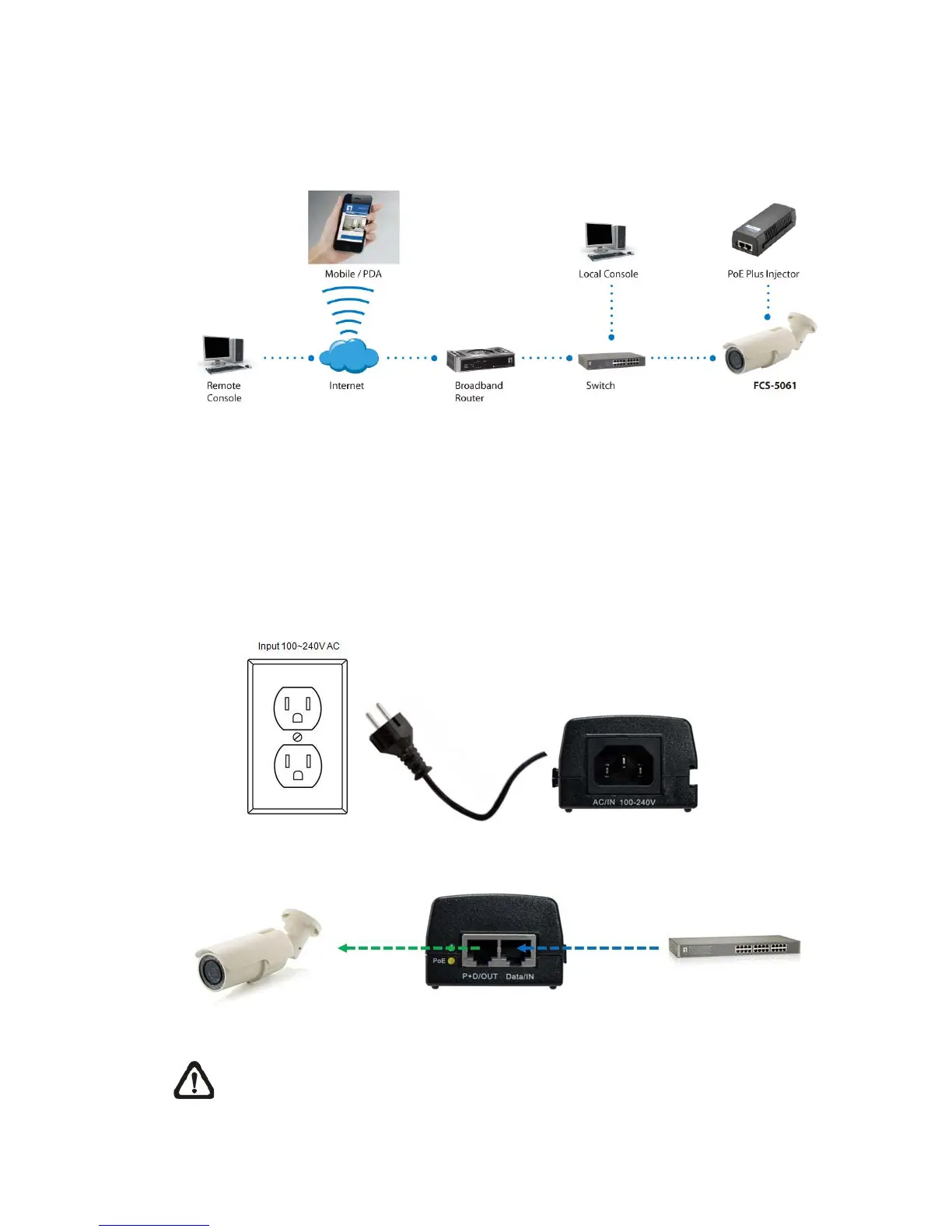
2. Camera Cabling
Please follow the instructions below to complete Camera connection
2.1 Connect Power
To power up the IP Camera, please plug the AC 24V cable into the Camera’s
power terminal block. Alternatively, connect the Ethernet cable to the camera’s
PoE port and plug the other end of the cable into a PoE switch.
NOTE: If using PoE, make sure Power Sourcing Equipment (PSE) is in use
in the network.















 To Next Page